

Commercial downlights installation can make or break your facility’s lighting performance. Getting it right means better visibility, lower energy bills, and a workspace that actually functions well.
We at PacLights have guided countless businesses through this process, and we’ve learned what separates a solid installation from a mediocre one. This guide walks you through the planning, installation, and optimization steps that deliver real results.
Planning Your Commercial Downlight Installation
Start by measuring your space and understanding what you actually need from lighting. Most facilities skip this step and end up with either too much light creating glare and wasting energy, or too little light causing strain and reduced productivity. The Illuminating Engineering Society recommends 300–500 lux for general office work and 500–750 lux for detailed tasks like inspection areas. Grab a light meter or use a smartphone app to check your current levels, then identify problem zones. Walk through your space at different times of day and note where shadows fall, where glare appears on screens, and where employees struggle to see. This real-world assessment beats any generic recommendation.
Next, consider your ceiling height, reflectance values, and existing infrastructure. A 10-foot ceiling needs different fixtures than a 20-foot one, and a white ceiling reflects far more light than a dark one. If you’re upgrading from older technology, check whether your electrical circuits can handle the load. PacLights provides free lighting layout designs that account for your specific space dimensions and usage patterns, which saves you from costly mistakes before installation even begins.
Selecting the Right Fixture Type
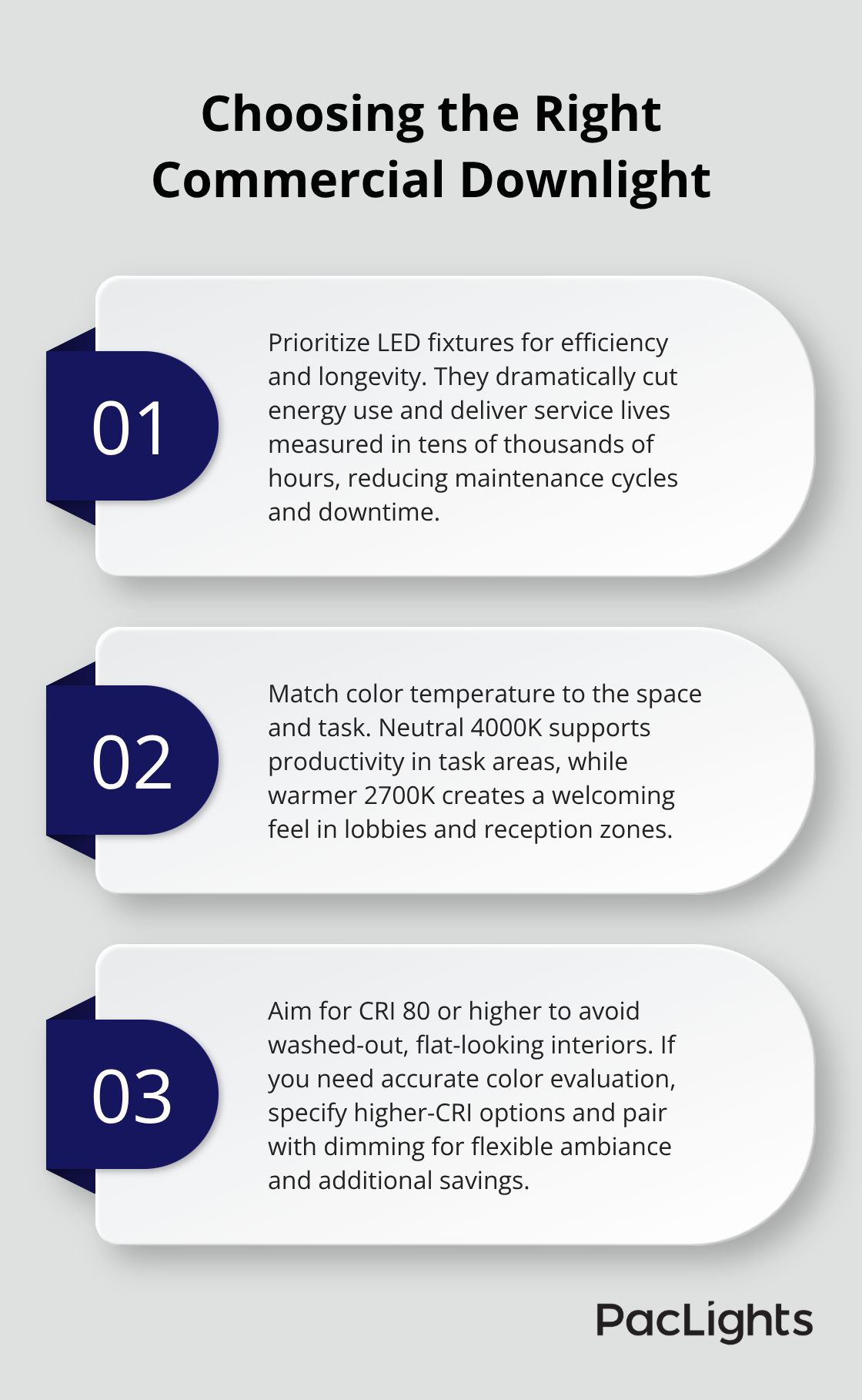
Recessed downlights work well in finished ceilings with standard heights, but they require careful planning for thermal management. Surface-mounted or semi-recessed options give you more flexibility if your ceiling has obstacles or limited depth. LED downlights now dominate the market because they consume 75–80% less energy than incandescent equivalents and last 25,000–50,000 hours. Verify the color temperature you need-4000K for neutral spaces and task areas, 2700K for warmer environments like lobbies. Check the CRI rating too; anything below 80 CRI produces dull, flat-looking spaces.
Dimmable options cost more upfront but let you adjust brightness based on daylight and occupancy, cutting energy use by another 20–30% according to energy studies. Motion sensors and daylight harvesting features add initial expense but pay back within 3–5 years in most commercial settings.
Spacing and Light Distribution
Downlight spacing determines whether you get even illumination or dark patches. The rule is simple: space lights at intervals equal to 1.2 to 1.5 times their mounting height. A downlight mounted 8 feet high should be spaced 10–12 feet apart. Closer spacing wastes energy; wider spacing creates visible shadows. Calculate the total lumens you need by multiplying your target lux level by room area in square meters. A 100-square-meter office needing 400 lux requires 40,000 lumens total. Divide that by the lumens per fixture to get your fixture count. Don’t oversize-you’ll pay for wasted energy every month. Test your layout with lighting simulation software before committing, or work with a supplier who provides layout designs showing exactly where shadows and bright spots will appear.
With your planning complete and fixture specifications locked in, you’re ready to move into the actual installation work. Proper preparation of your ceiling and electrical systems sets the foundation for a smooth installation process.
Step-by-Step Installation Process
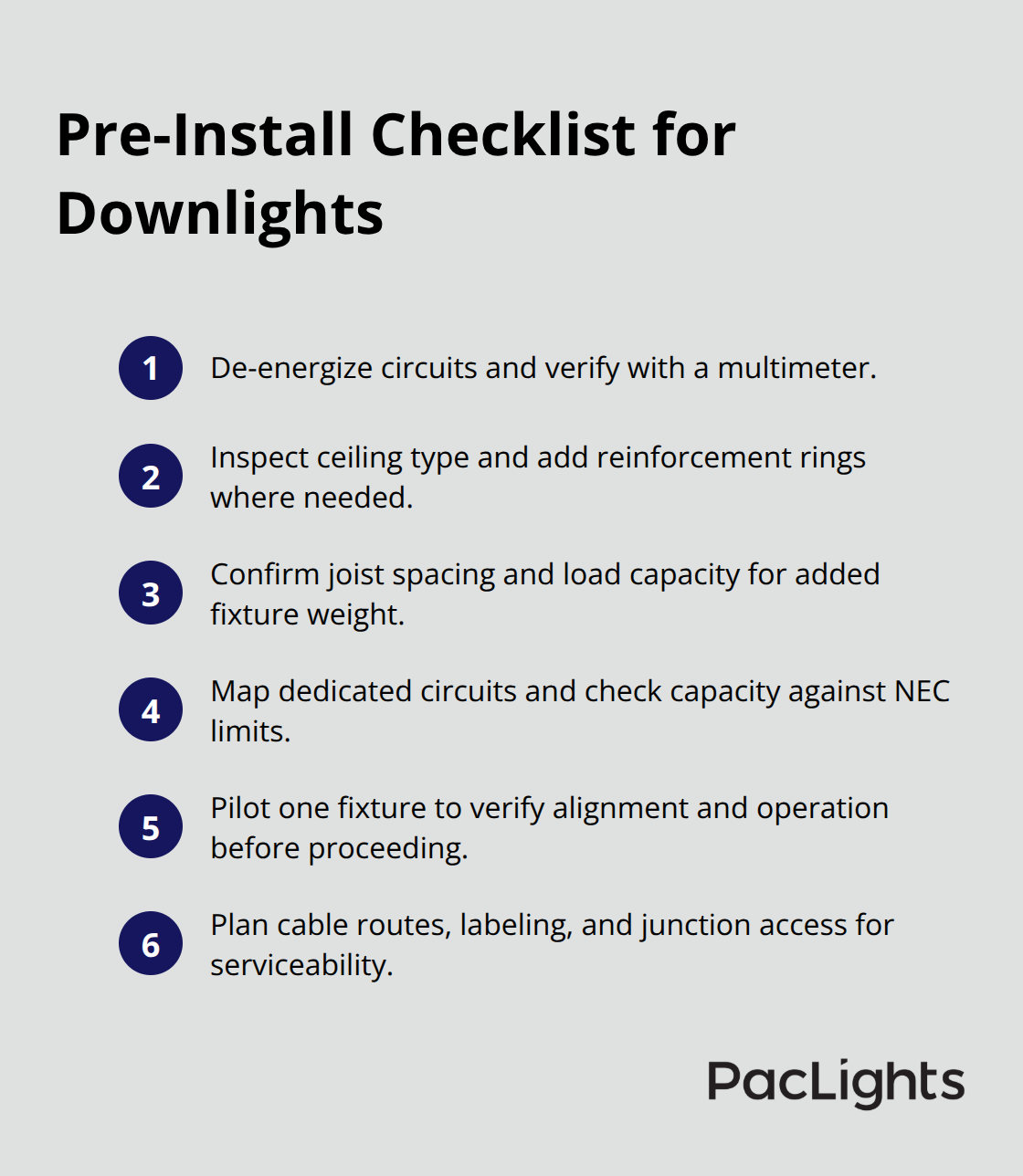
Preparation determines whether your installation runs smoothly or creates headaches. Turn off power to the circuits you’ll work on and verify they’re dead using a multimeter, not just a visual check. Examine your ceiling structure carefully before cutting any holes. Drywall ceilings need reinforcement rings to prevent sagging around recessed fixtures; these cost about 5–15 dollars each but prevent costly repairs later. If you’re working in a suspended ceiling, check joist spacing and load capacity since downlights add weight. Map out your electrical runs before installation begins. Most commercial spaces need dedicated circuits for downlights to avoid overloading existing lines. The National Electrical Code requires a maximum of 80 percent of circuit capacity for continuous loads, which means a 20-amp circuit can safely handle about 3,200 watts of downlights. Install one fixture first, check alignment and electrical function, then commit to the full installation.
Cutting and Mounting Without Mistakes
Use the template provided with your fixtures to mark hole locations precisely. A drywall saw works better than a hole saw for larger recessed fixtures because it gives you better control and produces cleaner edges. Cut slightly smaller than specified if uncertain, since you can enlarge but cannot shrink. Position the fixture housing into the opening and secure the mounting brackets or springs according to manufacturer instructions. Over-tightening mounting hardware damages the fixture and creates gaps where air leaks occur, costing you 5–10 percent in heating and cooling efficiency. Check that fixtures sit flush against the ceiling and level in all directions before moving to the next one. Misaligned fixtures create visible shadows and uneven brightness that no amount of adjustment later can fully correct.
Wiring and Testing Requirements
Run electrical wire through conduit or in-wall paths to each fixture location before mounting. Oversizing wire by one gauge reduces voltage drop, especially in longer runs over 50 feet. Connect ground wires first, then neutral, then hot to establish a safe sequence. Test each fixture individually before closing up the ceiling. Turn power on, verify the light activates, and check for flickering or dimness that indicates wiring problems. If dimmers or motion sensors are part of your system, test those controls at this stage when access is still easy. Most installation failures occur because people skip this step and discover problems after the ceiling is finished. Verify color temperature consistency across all fixtures by viewing them simultaneously in the installed space. Fixtures that appear noticeably warmer or cooler than others suggest defective units that need replacement before final handoff.
Preparing for Performance Optimization
With your fixtures mounted, wired, and tested, you’ve completed the structural work. The next phase focuses on configuring controls and sensors that transform your installation from functional to efficient. Proper setup of these systems determines how much energy you actually save and how well your lighting adapts to real workplace conditions.
How to Maximize Efficiency After Installation
Set Your Dimmer Curves to Match Occupancy Patterns
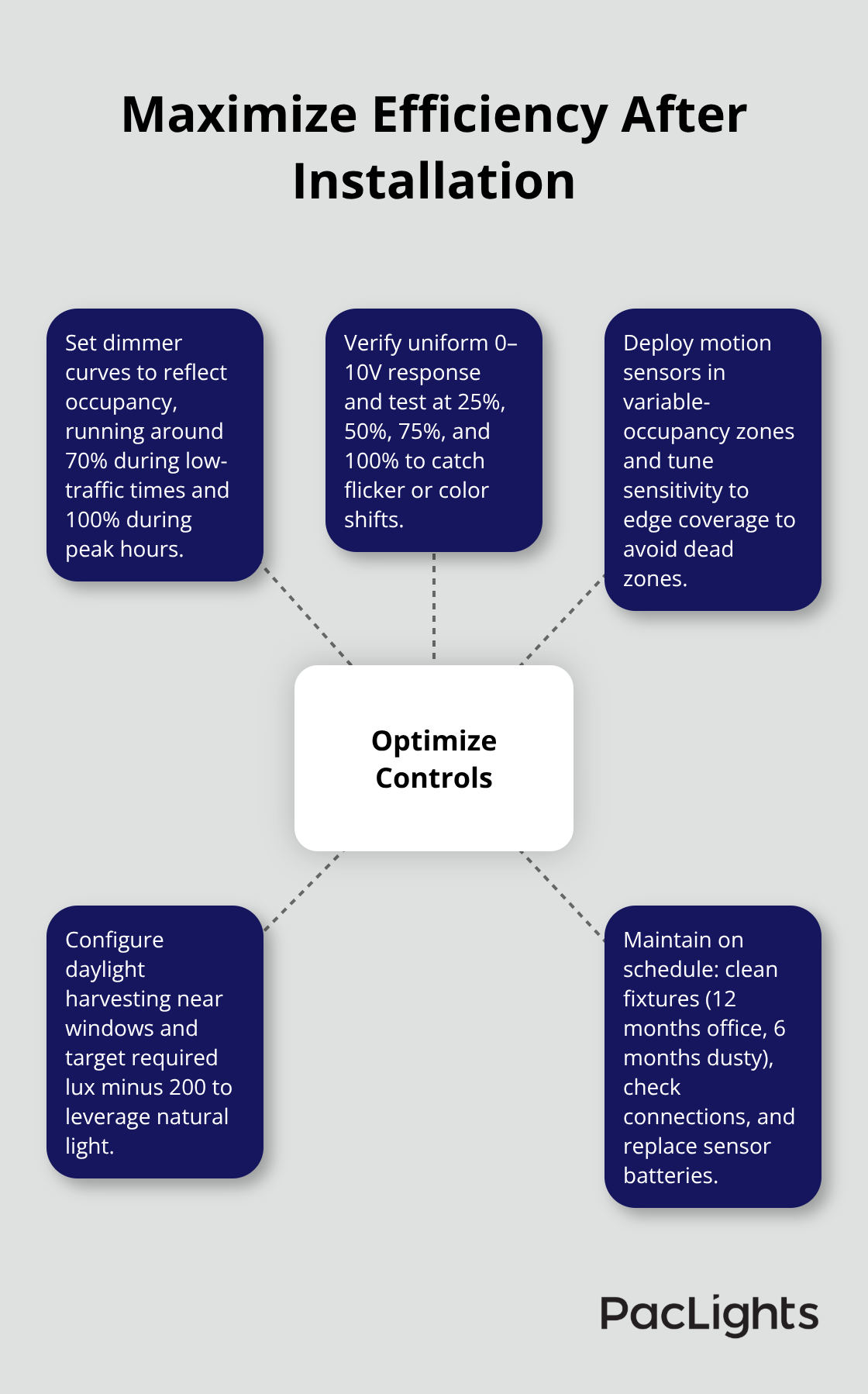
Configuring your lighting controls properly separates systems that perform well from those that waste energy. Start by setting your dimmer curves to match actual occupancy patterns in each zone. A typical office doesn’t need full brightness at 6 AM when only a few people arrive, or at 6 PM when most have left. Set dimmers to operate at 70 percent capacity during low-occupancy hours and 100 percent only during peak times between 9 AM and 4 PM.
This alone cuts energy consumption by 15–25 percent according to the International Energy Agency.
If your system uses 0–10V dimming control, verify that all fixtures respond uniformly to the same signal; mismatched responses create visible brightness variations that frustrate occupants. Test dimming at 25, 50, 75, and 100 percent to confirm smooth operation without flickering or color shifts. Some LED downlights perform poorly at very low dimming levels, so if you notice this, adjust your minimum dimming level to 10–15 percent instead of pushing down to 1 percent.
Deploy Motion Sensors in Variable Occupancy Zones
Motion sensors and daylight harvesting sensors interact with your dimming setup in ways that confuse many installers. Install motion sensors in zones that experience variable occupancy-conference rooms, storage areas, and restrooms benefit most from sensor control. Set sensor sensitivity to detect movement at the edges of the coverage area, not just directly underneath, since people move through spaces rather than standing still.
A typical sensor covers a 40-foot diameter circle at 8-foot mounting height, so position sensors accordingly to avoid dead zones. Test sensor response after installation by walking through your space during different times of day to verify timing and light levels match your expectations.
Configure Daylight Harvesting for Maximum Savings
Daylight harvesting sensors measure incoming natural light and reduce fixture output proportionally, which delivers the biggest energy savings. Install these sensors on the wall or ceiling facing windows, not on an internal wall where they can’t sense outdoor conditions. Set the target illumination level to your required lux value minus 200-if you need 400 lux total, set the sensor to maintain 200 lux from fixtures while daylight provides the remainder.
Commission the sensor after installation by observing how it responds throughout the day. Verify that light levels remain consistent as outdoor conditions change, and adjust sensor placement if you notice dead zones or inconsistent performance.
Establish a Maintenance Schedule That Prevents Failures
Maintenance schedules matter as much as initial setup. Clean fixtures every 12 months in standard office environments, but increase frequency to 6 months in dusty industrial spaces since dust accumulation reduces light output by 10–20 percent. Check electrical connections annually for corrosion or loose terminals, particularly in humid environments where moisture accelerates deterioration.
Replace any dimmer modules or sensor batteries on their specified maintenance intervals rather than waiting for failure, which prevents unexpected outages. Document all settings, sensor calibrations, and maintenance dates in a simple spreadsheet so future staff understand your system configuration and can replicate it during future upgrades.
Final Thoughts
Commercial downlights installation succeeds when you treat planning, execution, and optimization as equally important phases. Skip any one of them and your system will underperform, waste energy, or fail prematively. The best installations start with accurate space assessment, continue with precise fixture selection and spacing calculations, and finish with proper control configuration that adapts to real occupancy patterns.
Your energy savings depend entirely on how well you implement what you’ve learned here. A properly installed system with dimmers set to match occupancy patterns and daylight harvesting sensors active will cut your lighting energy costs by 40–50 percent compared to standard fixed-output fixtures. That translates to real money-a 10,000-square-foot facility spending $5,000 annually on lighting can expect to save $2,000–$2,500 per year, which means your installation pays for itself within 2–3 years in most cases.
The maintenance schedule you establish now determines whether those savings persist for the full 25,000–50,000 hour lifespan of your LED fixtures. Contact us at PacLights to discuss your specific facility needs and receive a customized analysis that accounts for your space, usage patterns, and current energy costs.
Disclaimer: PacLights is not responsible for any actions taken based on the suggestions and information provided in this article, and readers should consult local building and electrical codes for proper guidance.