

A high bay can pass every normal occupancy and dimming check while leaving an important question unanswered: what should the emergency-equipped fixture do when the project’s emergency condition occurs? Resolve that question before equipment approval, then carry the answer into commissioning. The review should tie each required response to an exact fixture configuration, an approved sequence, and an observation the field team can record.
Start with the particular fixtures identified on the project documents. A warehouse might use the same high-bay family throughout an aisle, with an emergency option specified only at designated locations. A useful review keeps those fixtures identifiable on the drawing, the order, and the test record, even when their housings look identical from the floor.
Match the emergency option to the ordered high bay
Put the fixture mark and location next to the complete model and option codes. Record the normal driver or control option, the emergency option, and the submittal and instruction revisions that apply to the combination. Ask the supplier to clarify which documents cover the equipment in the order if the package includes a family spec sheet and separate documents for individual options.
The PacLights FLHE linear high-bay configurator shows control and emergency options in separate groups and directs buyers to confirm specific configurations. That makes it a starting point for identifying options. For review and acceptance, use documentation for the exact combination on the submittal and ask the supplier for written clarification where the listed options leave a question open.
Also identify where the emergency function resides in the approved design. The record may point to equipment supplied with the luminaire or to an emergency arrangement documented elsewhere in the project. The fixture schedule, applicable equipment documents, and approved design should tell the same story. If the documents identify different equipment or describe different responses, log the discrepancy against the affected fixture marks before installation or testing proceeds.
Write separate expectations for normal and emergency operation
Under normal conditions, document which commands can affect the designated fixture. Include occupancy, scheduling, manual override, or daylight response only where the approved sequence uses them. If the project includes a normal off command, record what off means in that sequence and how the fixture returns to its normal operating state. The dim-to-off acceptance guide covers the normal-control side of that review.
Give the emergency condition its own line. Ask the responsible designer to identify what initiates that condition in this project, which fixtures are affected, and what response should be observed. Document the expected behavior if a normal off or dim command was active beforehand, where that starting state is relevant. Record any requirement for the return to normal separately. A fixture can appear dark under normal controls for reasons that tell the team little about the emergency condition defined in the design.
For example, an aisle might have designated emergency-equipped fixtures within a normally scheduled lighting group. The review question is whether the approved emergency response has been defined for those fixture marks when the group was previously scheduled off. The answer belongs in the project sequence, with supporting equipment documentation. A successful normal schedule test establishes only that the scheduled command worked in the conditions observed.
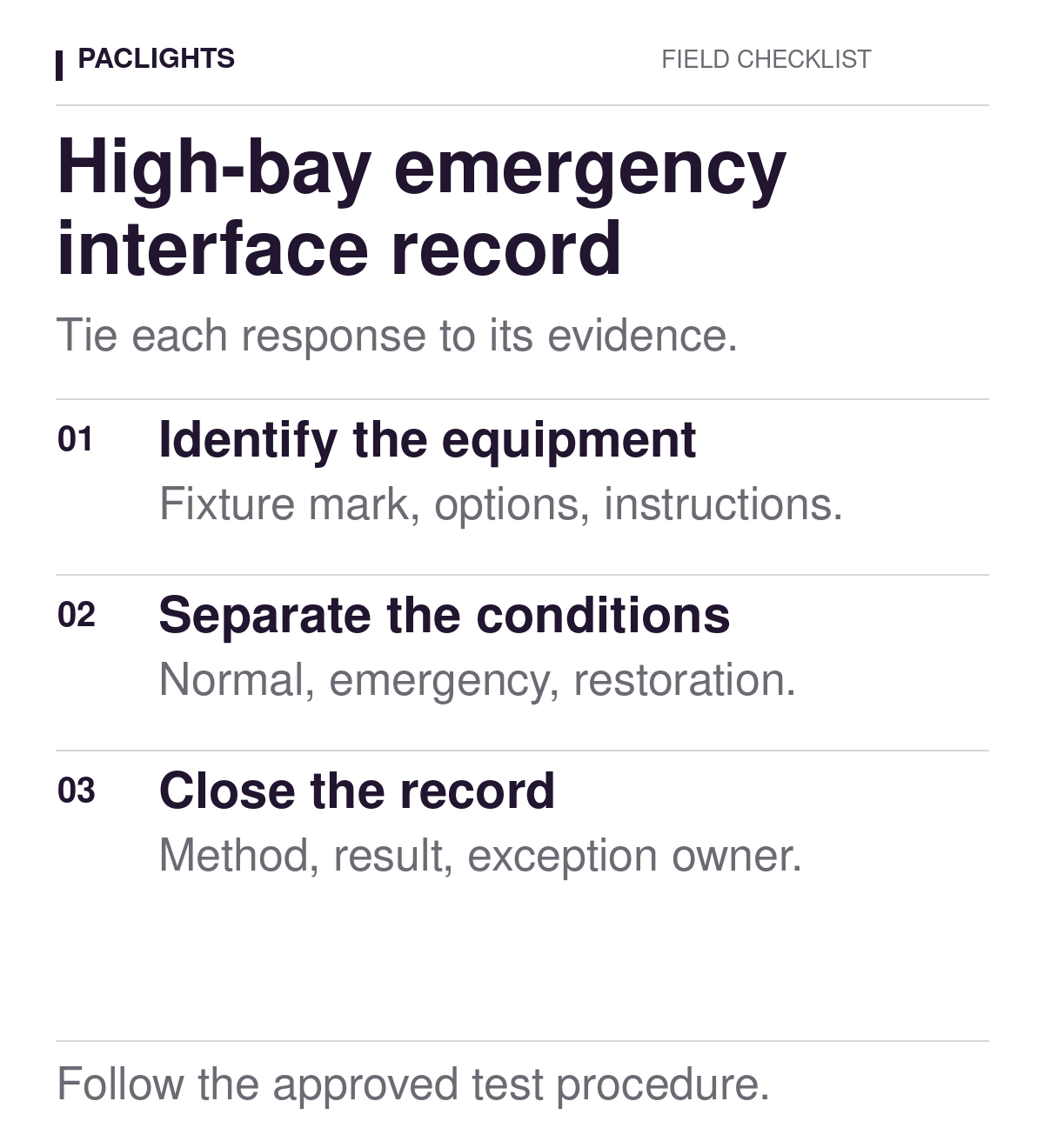
Assign the open decisions before field testing
Ask the responsible designer to define the required supply arrangement and normal-control interface in the project documents. Ask the fixture supplier which instructions apply to the exact ordered configuration and whether any documented limitations affect the specified interface. The controls provider can identify the relevant group, override, and sequence records. The commissioning lead can then reference the authorized procedure and confirm who will perform and witness it.
For each open point, write one question with the fixture mark and document reference. “Can these fixtures be controlled?” is difficult to resolve because it leaves the equipment and transition unspecified. “For fixture mark H-E, which approved document defines the expected response when the emergency condition begins while the normal group is off?” gives the reviewer a concrete issue to close. Link the answer to the submittal revision and circulate it with the affected test record so the field team is working from the same decision.
Define the extent of the test population in the record as well. If one fixture is checked as a representative unit under the approved procedure, identify the group it represents and document why the team considered the other units equivalent. An aisle with both standard and emergency-equipped high bays may need separate entries for visually similar units. Keep an inaccessible fixture, an unresolved equipment substitution, or a missing drawing revision visible as an exception so a later reviewer can see what still needs to be verified.
Record the starting state, the observation, and the return
For each observation in the approved procedure, identify the fixture or group, the expected response, the condition at the start, and the actual response. Use separate rows for normal control, emergency operation, and restoration where required by the design. Record when and where the test occurred, who performed or witnessed it, and which procedure revision they followed. If the project uses an indicator or status report, identify what it shows and record the fixture observation separately when the approved test calls for both.
A project record may need to show a second starting state if the approved sequence treats it differently. Carry those distinctions into the record instead of recording a single group-level pass for every condition. Avoid improvising a power interruption, control change, or field adjustment to resolve missing documentation. Use the authorized test method for the installed arrangement and refer an undefined or unsafe condition to the responsible professional.
Record restoration against the documented sequence. Note whether the intended normal response was observed under the relevant schedule, occupancy, or override conditions after the emergency condition ended. Keep observed and expected behavior in separate fields, especially if the result was unexpected or the team could test only part of the sequence. A precise exception is easier for the designer and supplier to resolve than a general note that the lights did not behave as expected.
Keep emergency performance evidence separate
The normal high-bay photometric layout describes the normal design inputs and operating state. The emergency evaluation needs its own applicable inputs and evidence for the installed design. Identify which documents establish the emergency operating configuration and which approved procedure or evaluation addresses the project’s acceptance requirements. Ask the designer to confirm anything that must be measured or otherwise demonstrated for that project.
When the functional observation shows a designated fixture responding, attach it to the functional record. Keep any required illumination evaluation and other performance checks separately identifiable. That makes it clear which part of the acceptance decision each piece of evidence supports, and it avoids treating one fixture observation as evidence for the entire space.
Close the record with the exact configuration and disposition
At handover, include the fixture schedule, approved sequence, final equipment documentation, field observations, and the disposition of each exception. The lighting controls handover guide provides a structure for connecting fixture IDs and zone settings to the records the operator will need. Add the emergency interface evidence to that index so it stays traceable when controls or fixtures are later replaced.
If a question remains open, give it an owner and record which acceptance decision it affects. For a PacLights configuration review, send the exact fixture and option codes, the applicable project requirement, and the specific transition or interface that needs clarification. With those three items, the team can review the proposed equipment against the documented design before the question reaches the test floor.
Disclaimer: PacLights is not responsible for any actions taken based on the suggestions and information provided in this article, and readers should consult local building and electrical codes for proper guidance.