

Before accepting a lighting calculation, establish that its photometric file represents the fixture configuration being ordered. Match the product generation, output setting, light color, optic and relevant accessories to the manufacturer’s documentation. Keep that correspondence with the calculation report. A familiar filename, matching wattage or similar housing does not establish the relationship.
The practical deliverable is a file-to-fixture cross-reference. It should identify what the project requires, what the file represents, the supporting document and any unresolved difference. Resolve those differences with the manufacturer and responsible designer before relying on the calculation for procurement. This review checks the identity of a design input; it does not independently approve the lighting design or the installation.
Begin with the complete ordering configuration
Start from the current fixture schedule and approved submittal, rather than a shortened description in an email. Identify the product family and generation, complete ordering configuration, selected output, CCT, optical option and any accessory that could affect the represented light distribution. Tie each selection to a drawing or schedule revision so a later change can be recognized.
Distinguish an adjustable product’s available settings from the setting the calculation actually uses. An order may identify a selectable model while the designer models one particular operating point. Record both. If a project intends different settings in different areas, give those configurations separate schedule entries or another unambiguous identifier. Do not let one general family label conceal several calculation inputs.
The PacLights FLHE linear high-bay family lists optional aisle optics and CCT selections. Those choices explain why the exact configuration matters. They do not prove which file represents a proposed selection or that an optional optic is fitted to every unit. Obtain the applicable documentation for the configuration under review.
Identify the file and its documented scope
Ask for the actual IES file used in the calculation, together with the manufacturer’s identification of the represented configuration. Retain the original delivered file and the accompanying issue information. Record its filename, source, received date and any manufacturer reference or test-report identifier provided. Where the file contains identifying information, compare it with the accompanying documentation rather than assuming the filename alone is authoritative.
A file downloaded more recently is not necessarily a newer or more appropriate photometric issue. A download can contain an older test or a file intended for another generation. Conversely, a short or unfamiliar filename does not establish that a file is wrong. The question is whether its relationship to the ordered equipment can be documented. Send unexplained differences back for clarification instead of editing identifiers to make them appear consistent.
Keep the calculation report’s luminaire schedule beside this record. Confirm which imported file is assigned to each modeled fixture type and whether the software applies an output adjustment. Receiving the correct file in a project folder does not establish that the calculation used it. Request a report or designer confirmation that connects the stored source file to the actual model input.
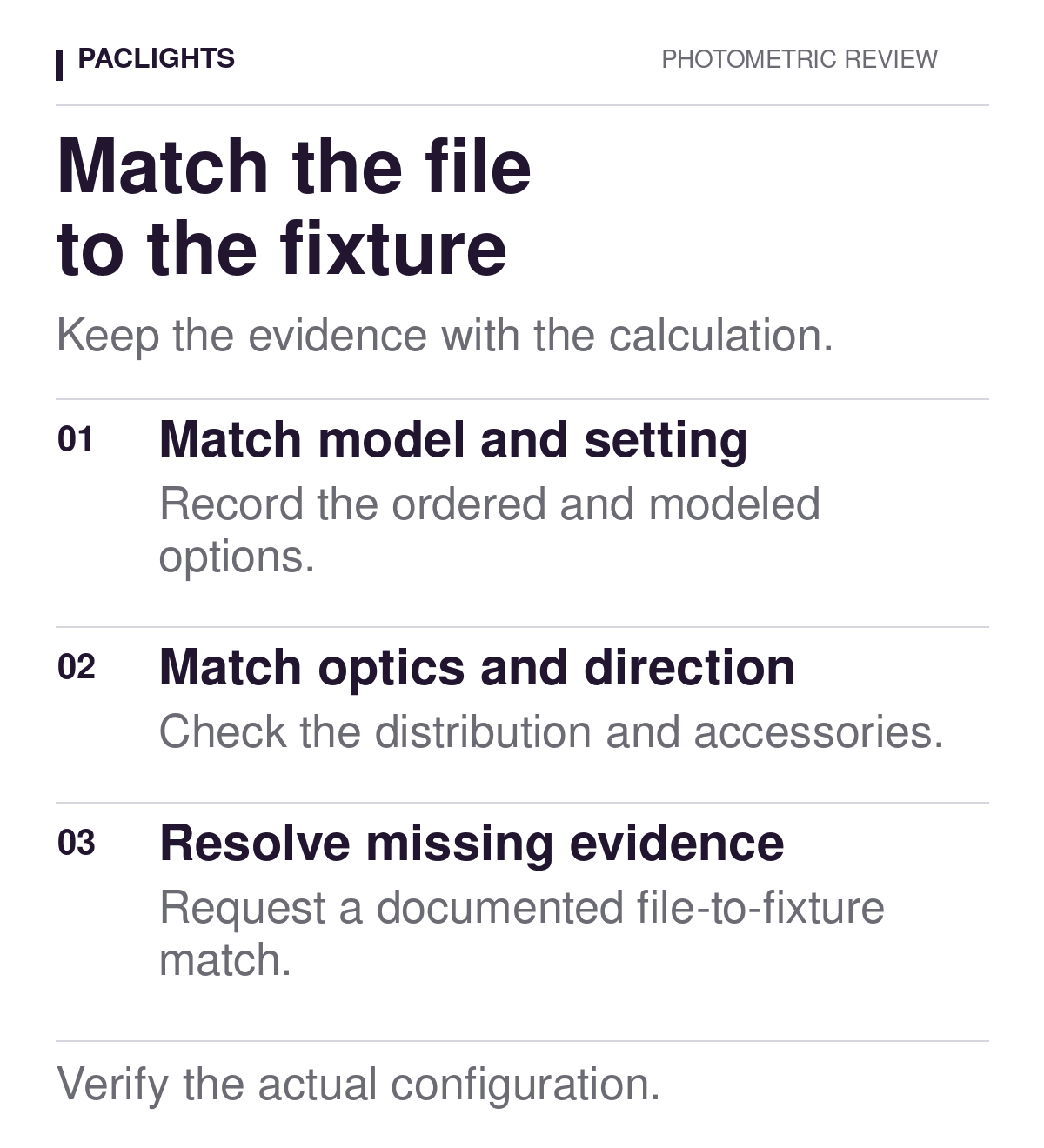
Match distribution, orientation and optical accessories
Check the optical selection as carefully as the output setting. A product family can offer distributions intended for different layouts. The current PacLights FALC/3 area-light family lists Type III as standard and Type II, IV and V options, with selectable wattage and color on specific models. That range is a reason to verify the actual selection, not evidence that any one distribution suits a particular site.
Record any orientation information needed to relate the file to the proposed mounting arrangement. An aisle optic needs a documented relationship to the aisle direction; an area-light calculation needs a clear relationship between the luminaire’s orientation and the site. Ask the designer to identify the applicable convention. Do not translate an unfamiliar orientation by visual guesswork or assume that rotating the housing leaves the calculation unchanged.
Include shields, lenses or other optical accessories in the correspondence check when they are part of the selection. Ask whether the supplied photometry represents the accessory, and retain the manufacturer’s explanation if a different documented treatment applies. A separately listed accessory is not proof that its effect is included in the file. Keep unresolved accessory questions visible in the review record.
Separate documented scaling from substitution
An output adjustment in calculation software should have an identified basis and a stated scope. Ask what is being changed, which source configuration is the reference and why that treatment applies to the selected variant. Keep the manufacturer’s supporting information and the designer’s calculation assumption together. A multiplier entered into software is an input choice, not independent evidence that two configurations have the same distribution.
Do not use a wattage ratio, a family-level lumen range or a similar model name to create an undocumented replacement file. A proposed change in optic, generation or accessory needs its own review. Where the manufacturer supports a particular scaling method, record its limitations and the operating condition it represents. Where support is missing, mark the item for clarification rather than inventing a conversion.
Keep output scaling separate from light-loss assumptions. The file-to-fixture check identifies the represented equipment and operating configuration. Maintained-lighting allowances address another part of the calculation basis. Have the designer show where each adjustment enters the model so a reviewer can recognize overlapping assumptions. A matching total output alone does not establish that every input has been handled correctly.
Build a cross-reference that exposes gaps
Use one record for each distinct modeled configuration. Include the ordered requirement, file identity, supporting reference, result and follow-up owner. The blank structure below is a starting point; enter actual project information and add rows where the configuration requires them. Use explicit results such as matched, clarification required or not checked. A blank cell should remain an open question.
| Review field | Ordered requirement | File / supporting reference | Result / follow-up |
|---|---|---|---|
| Family and generation | Record selection | Record evidence | Record disposition |
| Output setting and CCT | Record selection | Record evidence | Record disposition |
| Optic and orientation | Record selection | Record evidence | Record disposition |
| Accessory and scaling basis | Record selection | Record evidence | Record disposition |
For an illustrative review, consider an order that specifies an aisle optic while the available file is identified only by the product family. No numerical result is assumed. The appropriate disposition is to obtain the file’s documented optical identity and resolve the difference. Neither a plausible-looking distribution image nor a matching nominal output closes that question.
Give each clarification a specific question and preserve the response with the relevant document revision. If the answer changes the ordered configuration or calculation input, identify which schedule and report are superseded. Keep the earlier evidence available. Quietly replacing a file makes it difficult for a later reviewer to determine what the procurement decision originally relied on.
Carry the match through the project documents
Once the correspondence is resolved, confirm that the revised calculation uses the accepted file and configuration. Check the luminaire schedule and retained model information rather than only the report cover. Keep fixture locations, mounting arrangement, calculation surfaces and other project assumptions under their own review. A correct file can still be used in a model that represents the wrong geometry.
Our warehouse rack-change review explains why revised obstructions and task surfaces matter even when the fixtures remain operational. The fixture-to-aiming-schedule review addresses the next correspondence problem: connecting each supplied and installed unit to its assigned position. Keep those checks connected without treating one completed record as proof of the others.
For a PacLights project review, provide the complete ordering configuration, current fixture schedule, actual photometric files, calculation report and a marked list of unresolved rows. Identify the decision that depends on each answer. The useful endpoint is a traceable connection between the equipment being purchased and the equipment represented in the calculation, with remaining limitations stated clearly.
Disclaimer: PacLights is not responsible for any actions taken based on the suggestions and information provided in this article, and readers should consult local building and electrical codes for proper guidance.