

Before changing the output setting on installed warehouse high bays, locate the setting in the accepted fixture schedule and confirm what the proposed change would affect. Then ask the person responsible for the lighting design which calculations, control checks and field observations need to be revisited. An available setting establishes a configuration option. The project record establishes whether that option is appropriate for the area and how the team will verify it.
Locate the accepted setting and the reason for the change
Start with the latest accepted fixture schedule, submittal and lighting calculation. Identify the area and the fixture marks affected by the request. Record the model and generation, installed optic, accepted output setting and control mode used for the original acceptance check. Add the drawing or report revision and the date of the observation. If the schedule identifies a selectable family without naming a setting, flag the gap. An as-found condition can establish what is installed today, while the design team can determine whether that condition represents the earlier decision.
Describe what prompted the request in terms the design team can evaluate. A warehouse may have added a packing station, moved a rack line or received a report about a poorly lit task. Identify the task location, observation time, active controls and any relevant change in the surroundings. A request to raise light at one packing bench may call for a narrower review than a request to change every fixture in an aisle. Give the requested area clear boundaries and name the person responsible for accepting the change.
Confirm the exact supported configuration
Obtain the current instructions and specification for the installed model. Record each setting the manufacturer documents for that configuration and compare the proposed selection against those documents. Confirm whether the documentation describes input power, rated light output, or both. Keep the model identifier beside those values so a family-level range cannot be mistaken for the options of a specific fixture. If the documents are inconsistent, get a written clarification before authorizing the field change.
The PacLights FLHE linear high-bay product page lists output packages and wattages by model and describes control options separately. Use the exact model’s current documentation to establish the configuration and the selections it supports. The family table alone leaves that question open for an installed unit. A proposal that also changes the optic, mounting arrangement or fixture model belongs in the design review with those changes identified individually.
Separate the fixture setting from the control setting
Give the field-selected fixture configuration and the lighting control settings separate entries. The fixture setting identifies the documented output option on the luminaire. A dimming command specifies the requested operating level at a given moment. High-end trim, where supported and configured, sets an upper limit within the control system. For the installed equipment, establish from the applicable instructions and approved sequence how these settings interact. Two observations at visibly similar light levels can still represent different equipment configurations or control states.
Before the change, record any active scene, occupancy mode, daylight response, schedule or override that matters to the assessment. Ask which mode the acceptance procedure expects the team to observe. A reading taken during an occupied scene may answer a different question from a reading during a scheduled standby period. If the requested adjustment actually concerns trim, route it through the control change record and review the affected sequence with the responsible team.
Ask the designer what the new setting changes
Give the designer the proposed setting, exact fixture configuration, scope and reason. Ask whether the current photometric information represents the new configuration, which calculation surfaces and criteria need review, and whether neighboring areas should be checked. The relevant surface could be a bench, a vertical rack face or an aisle floor, depending on the task and project requirements. Specify the actual task and location so the revised analysis addresses the original request.
A wattage ratio alone gives no documented basis for predicting changes in task illuminance or uniformity. Review the manufacturer’s applicable data and the designer’s calculation treatment. The guide to matching an IES file to a fixture configuration explains what to record when confirming which equipment a photometric file represents. If the designer revises the maintained model, keep its light-loss assumptions explicit. The warehouse light-loss comparison guide explains how to distinguish initial and maintained results when reviewing those assumptions.
Consider an illustrative warehouse with two adjacent picking aisles on separate control groups. A change request concerns the lower rack faces of one aisle. The designer may want to review both the intended rack-face task and the overlap at the shared aisle entrance. Record which fixtures the approved change covers and identify the exact observation locations. Then record the control state in each group during the check. Individual observations remain useful when a later reviewer can tell which part of the request each one addresses.
Make the comparison repeatable
Give the observer a marked plan with the locations and conditions for each required check. For an illuminance comparison, record the measurement surface, the positions and the operating state of the affected fixture groups. The designer can specify which earlier points to repeat and which new points are needed to address the change request. If an earlier point is inaccessible or the layout has changed, identify the difference explicitly so both records can still be interpreted.
Think through whether the project calls for a separate functional check of the controls. A visual observation under a steady scene documents the light at that moment. A separate control check can establish whether the affected group still enters the required scenes and returns to its documented state. Keep the expected response for each check with its own result. If the designer authorizes a technical review without a field visit for a particular criterion, record that disposition and the supporting document.
Set up the closeout record so another person can locate the drawing, calculation and control revision without relying on the observer’s memory. Where one change applies to several identical fixtures, list their marks together. Give exceptions their own lines so a differing setting, incomplete observation or follow-up remains visible when the area is handed back to operations.
Observe the accepted condition and issue the revised record
Have authorized personnel carry out the approved change according to the applicable equipment and project instructions. Log the setting actually implemented, the fixture marks and the effective date. For each required check, record the expected result, the observation and the disposition. Include enough context to compare with the earlier evidence, such as the measurement plane, the active control mode and any relevant daylight or obstruction conditions. Identify checks that remain open and assign them to a responsible person.
If the result falls outside the approved acceptance criteria, document the observation before making another adjustment. Preserve the setting, conditions, instrument or observation method and report revision. If the project team authorizes a different setting or a restoration to the previous condition, record that action separately. Each revision should show what was implemented and what evidence supported its disposition.
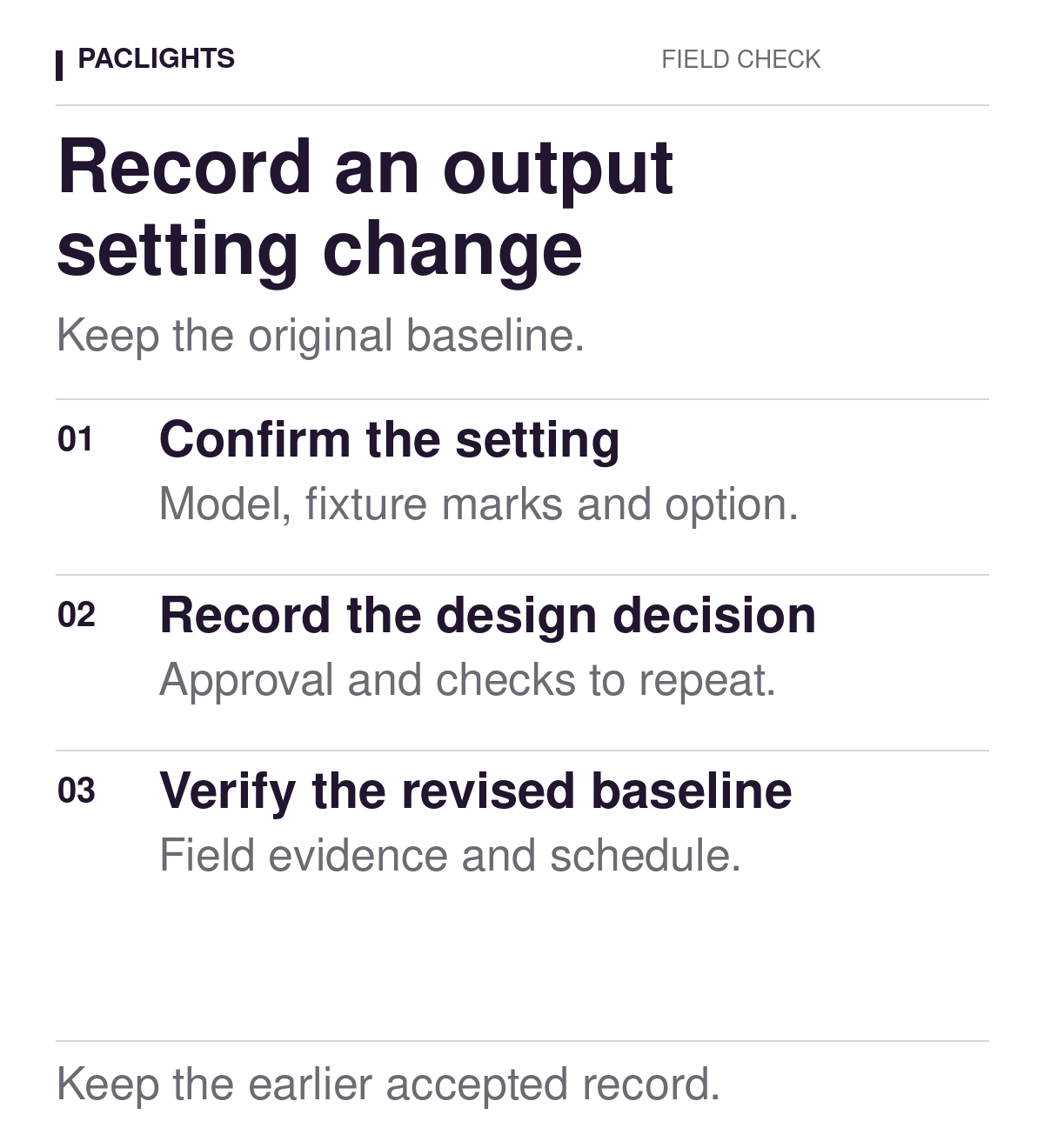
Close the change by updating the fixture schedule, control settings record if affected, and the relevant drawing or calculation reference. Keep the previous accepted baseline with its date and approval evidence. Before the next field visit, put the old setting, proposed setting, affected fixture marks and design disposition on a single review sheet. Bring the corresponding checks so the observer can document exactly what was evaluated and what still needs follow-up.
Disclaimer: PacLights is not responsible for any actions taken based on the suggestions and information provided in this article, and readers should consult local building and electrical codes for proper guidance.