

A manual lighting override should be tested as a temporary command within the approved control sequence, not as an isolated button press. Before acceptance, identify exactly which fixtures the control affects, how long the command remains active, which automatic events can compete with it, and what returns the zone to automatic operation. If the project documents do not define those relationships, record the gap instead of inventing a priority.
This approach separates four questions that are often collapsed into one demonstration: what the user commanded, what the zone was doing at the start, what another input did while the override was active, and what happened when the override ended. Testing those questions one at a time produces a result that an operator can reproduce and a designer or controls provider can review.
Define the override before testing it
Begin with the physical or software control the operator will use. Record its stable identifier, location, label, affected fixture or group IDs, and the approved purpose of the command. “Manual override” is too broad by itself. The control may call a scene, change an output level, switch a group, suspend an automatic response, or request a temporary operating state. Those commands can have different duration and release behavior.
Identify whether the command is momentary, maintained, timed, or canceled by another authorized action. If the equipment supports an adjustable timeout, record the actual approved value with its unit. Do not substitute a factory example or a value copied from another zone. Also identify whether the operator may cancel the command directly and whether a schedule, occupancy event, daylight response, or supervisory action is expected to end it.
The current PacLights FLHE linear high-bay family can be supplied with occupancy, daylight, and networked control options. Its product information describes grouping, scheduling, scenes, sensors, and connected wall-switch control as available capabilities. The acceptance basis still has to identify the option and configuration actually installed. A family capability does not establish the sequence for a particular group.
Start from a documented automatic state
Every test needs a repeatable starting condition. Record the active schedule, occupancy state, relevant daylight condition, current output or commanded state, and any existing override or test mode. Confirm that the zone is operating under its normal approved sequence before applying the manual command. Otherwise, a successful button press may only demonstrate that one temporary test mode can replace another.
Use stable fixture and group identifiers rather than relying on visible proximity. A wall control may affect more than the fixtures immediately around it, and an integrated sensor may command a wider group. The lighting-controls handover record guide explains how equipment IDs, group membership, sequences, settings, test results, and change history should stay connected. The override test should reference those same records.
Photographs can help document control labels and visible fixture response, but they do not replace the starting-state record. Camera exposure can also hide a low output level or make a dimmed zone appear off. When the project requires measured illuminance or electrical data, use the specified measurement procedure and keep those results separate from the functional sequence observation.
Build an event-priority matrix from approved requirements
List the manual command in one row and test one competing event at a time. Typical project inputs may include occupancy, daylight response, time schedule, another manual station, or a supported supervisory command. Include only inputs that actually apply to the zone. The expected-priority column must come from the approved sequence and equipment documentation; it is not a universal hierarchy.
| Starting state | Manual command | Competing event | Expected priority | Observed return |
|---|---|---|---|---|
| Document schedule, occupancy, daylight, and output | Identify control, group, state, and duration | Introduce one approved input | Cite sequence or mark unresolved | Record state after event and after release |
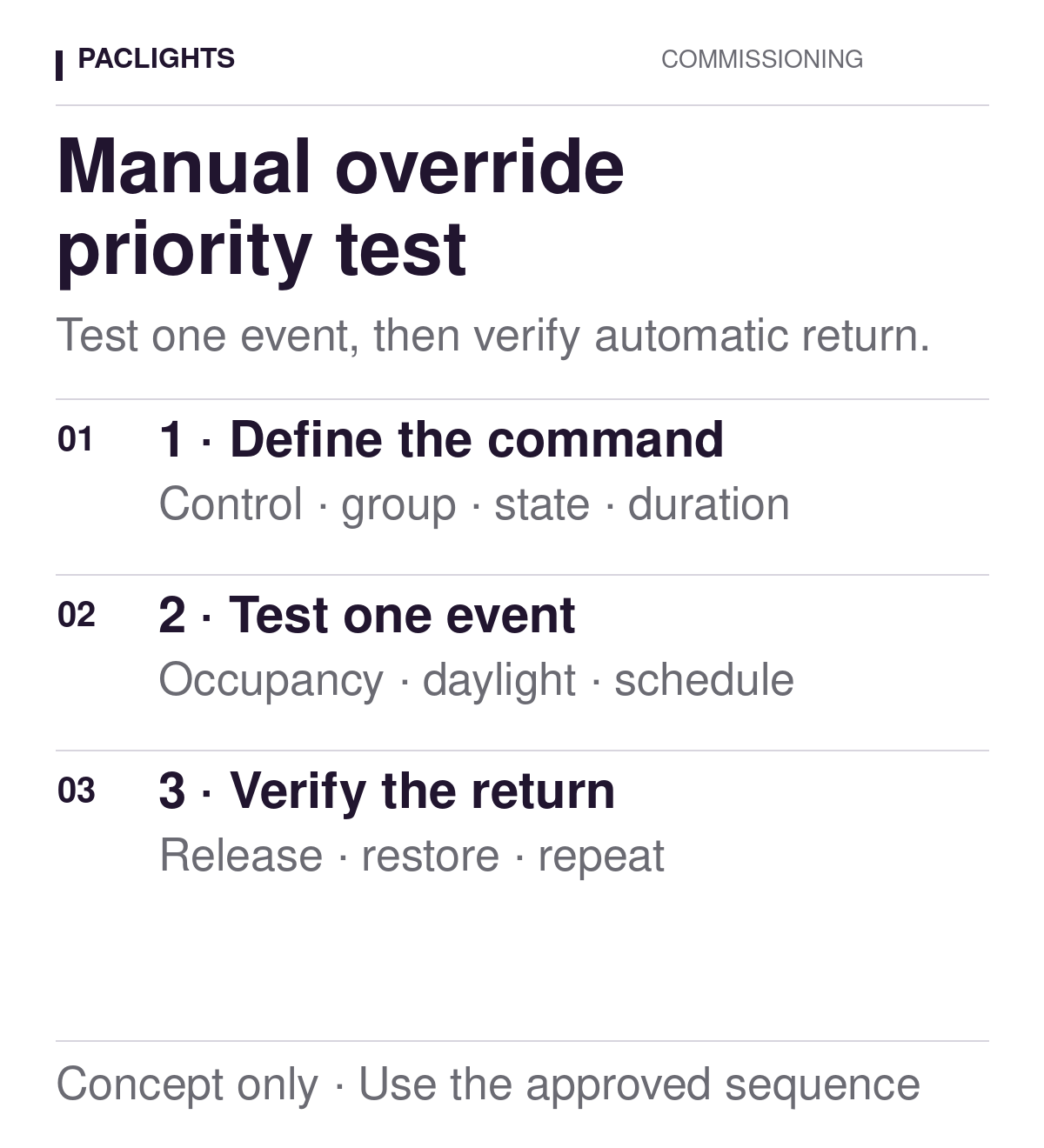
Keep the matrix factual. In the observation column, write what the fixtures or groups did, when they did it, and which input was active. Avoid conclusions such as “sensor fault” or “software error” until the relevant identities, settings, and command history have been checked. A neutral record lets the controls provider distinguish configuration, equipment, communication, and sequence questions.
Test one interaction at a time
Apply the manual command and confirm the intended group response. Then introduce one competing event while the override remains active. For an occupancy input, establish the approved occupied or unoccupied condition using the project procedure. For a daylight response, use the documented method rather than covering a sensor or shining an improvised light at it unless that procedure is explicitly permitted. For a schedule, use an authorized test window or supported simulation.
Record both the immediate response and any delay that is part of the approved sequence. Do not accelerate timers or change several settings simply to complete the demonstration. If an authorized temporary adjustment is necessary, record the prior value, temporary value, reason, and restoration. A test with altered settings is not evidence of normal operation until the original or accepted final configuration is restored and retested.
The distinction between a low state, an off state, and restoration also matters during an override test. The 0–10V dim-to-off acceptance guide describes why command, visible response, and return behavior must be documented separately. Apply the same discipline here: a manual command that produces the expected level once has not demonstrated that competing inputs and release behavior are correct.
Verify release and return to automatic operation
Ending the override is a separate test step. Use the approved release trigger: timeout, cancel action, schedule transition, occupancy event, or another defined command. Observe the complete group and record the state immediately after release. Then confirm that later automatic events are handled normally. A zone that returns to a plausible light level may still be held in a temporary state that prevents its next scheduled or sensor response.
Where the system exposes a command or event log, retain an authorized reference to the relevant entry if the project process permits it. Treat a log as supporting evidence, not a substitute for the fixture observation or the approved sequence. Keep credentials, personal information, and unrelated system data out of the test record.
If the return differs from the requirement, preserve the starting conditions and exact equipment identities before changing anything. Repeat only the affected step after an authorized correction. Do not erase the original result; link the correction and repeat test so the record shows what changed and why the final outcome was accepted.
Separate exceptions from incomplete design decisions
Use distinct results such as pass, fail, not tested, and unresolved requirement. A row is “not tested” when the required condition could not be established. It is “unresolved requirement” when the team cannot identify what should take priority or how the override should end. Neither condition should be converted to a pass because the light responded in a familiar way.
Assign each unresolved row to the role that can close it: project designer for sequence intent, controls provider for supported behavior and configuration, electrical contractor for installed identities and wiring records, or facility operator for authorized operating expectations. Avoid turning the commissioning record into installation instructions or an improvised control philosophy.
Close the test with a usable operating record
The final package should connect the wall station or command source, fixture and group IDs, approved sequence revision, settings, starting conditions, event-priority rows, observations, exceptions, and final disposition. Give the operator enough information to repeat one row without reconstructing the whole commissioning history.
When a schedule, sensor, control station, group assignment, or operating requirement changes later, review the affected rows rather than inheriting the old result automatically. For a PacLights project review, bring the exact fixture/control schedule, current zone record, approved sequence, and the unresolved matrix row. That evidence makes the question precise: which command was issued, what else was active, what should have prevailed, and what should restore automatic operation.
Disclaimer: PacLights is not responsible for any actions taken based on the suggestions and information provided in this article, and readers should consult local building and electrical codes for proper guidance.