

Most data center managers overlook how lighting affects cooling performance. Poor illumination placement can disrupt airflow patterns, forcing your HVAC systems to work harder and driving up energy bills.
At PacLights, we’ve seen firsthand how strategic rack illumination strategies transform both efficiency and safety. The right lighting setup reduces cooling strain while improving maintenance access-without adding heat to your cabinet.
Why Proper Lighting Matters in Server Racks
Lighting inside server cabinets directly impacts how well your cooling systems perform. When fixtures are positioned poorly, they create airflow obstructions that force your HVAC equipment to compensate, increasing energy consumption by 8–15% according to real data center assessments. Strategically placed rack lighting removes obstacles that disrupt the cold air path from the floor to the equipment, reducing cooling strain substantially. A 50-rack data center with optimized lighting cuts annual cooling costs by roughly $11,000 simply through improved airflow patterns. This represents a fundamental shift in how efficiently your facility operates.
Visibility Drives Maintenance Speed and Safety
Technicians need clear visibility to perform maintenance safely and quickly. Poor lighting inside cabinets extends maintenance windows, causes missed cable connections, and increases the risk of equipment damage. When you can clearly see port numbers, status indicators, and cable runs, maintenance tasks take 30–40% less time. Additionally, inadequate illumination creates compliance risks under ASHRAE 90.1 energy standards and IECC codes, which mandate minimum illuminance levels in equipment spaces. ASHRAE recommends at least 200 lux of vertical illuminance on rack faces and 500 lux on equipment tops. Meeting these standards protects your facility from regulatory violations while improving operational safety.
The Real Cost of Poor Rack Visibility
Energy consumption from lighting represents a significant operating expense that most facilities fail to optimize. Traditional incandescent or halogen fixtures inside cabinets generate excessive heat-every watt of lighting heat increases your cooling load by roughly 3–4 watts of additional HVAC demand. LED fixtures draw 15–30W per unit versus 100+W for older systems, translating to roughly $61 in annual electricity savings per fixture at standard rates. Over a year, a 50-rack installation with dual lights per rack saves approximately $3,750 in lighting energy alone, plus another $8,250 in reduced cooling costs. That totals $12,000 in annual savings from a single optimization. The payback period typically falls between 12–18 months, after which the lighting system becomes nearly pure profit.
Addressing Dense Rack Configurations
Dense 42U racks in cold aisle containment setups create particularly difficult lighting challenges because overhead fixtures cannot reach into narrow aisles effectively. In these configurations, direct rack-mounted or under-shelf LED lighting becomes mandatory to meet compliance standards and allow technicians to work safely. Proper lighting placement also reduces eye strain during maintenance-a 4000K color temperature significantly improves contrast compared with warmer alternatives, reducing misreadings of color-coded cables and status indicators. When technicians work faster and more accurately, your mean time to repair drops noticeably, protecting revenue and reducing customer impact during outages.
Selecting the Right Fixtures for Your Setup
The type of lighting fixture you install determines both airflow impact and maintenance effectiveness. LED strip lights mounted under shelves and along edges deliver targeted illumination suited to confined cabinet spaces without blocking air circulation. Low-voltage 12V or 24V LED systems with centralized drivers offer safer operation and lower heat output compared with traditional high-voltage alternatives.

Aluminum housings and proper ventilation prevent thermal buildup, preserving light output and extending fixture lifespan. Motion-activated controls paired with dimmable drivers provide bright task lighting when technicians access cabinets and softer illumination otherwise, further reducing energy consumption. These design choices work together to optimize both cooling performance and maintenance efficiency, setting the stage for the specific installation strategies that follow.
Lighting Solutions for Server Cabinets
LED Strip Lights and Linear Fixtures for Targeted Illumination
LED strip lights and linear fixtures deliver targeted brightness exactly where technicians need it without disrupting airflow patterns. Under-shelf mounting positions these fixtures beneath each shelf level, eliminating shadows that plague dense 42U racks while keeping heat output minimal. Horizontal back-edge strip placement illuminates cable connections and port numbers directly-the exact locations where maintenance errors occur most frequently. For enclosures wider than 36 inches, dual strips on opposite sides prevent a dark center zone that forces technicians to reposition themselves repeatedly during troubleshooting.
A typical 1U fixture delivers 300–600 lumens while drawing only 15–30W, compared with traditional 100+W alternatives. This efficiency matters because each watt of lighting heat increases your cooling demand by 3–4 additional watts. Low-voltage 12V or 24V systems with centralized drivers eliminate separate power runs, reduce electrical hazards, and pair seamlessly with motion sensors and dimmable controls. Aluminum housings with proper ventilation prevent thermal buildup that degrades light output over time, extending fixture lifespan to roughly 25,000–50,000 hours versus plastic alternatives that fail faster under temperature fluctuations.
Motion-Activated Controls and Demand-Based Operation
Motion-activated and dimmable controls shift lighting from constant consumption to demand-based operation, cutting energy use by up to 75% compared with always-on systems. When cabinet doors trigger motion sensors, lights activate at full brightness for immediate visibility, then dim to lower levels when no access occurs, reducing unnecessary illumination during idle periods. This dual-level approach satisfies compliance requirements while eliminating waste.

A 4000K color temperature enhances contrast and reduces eye strain during maintenance tasks, improving accuracy when reading color-coded cables and status indicators. Centralized driver systems enable easy sensor integration without rewiring individual fixtures, making upgrades straightforward and cost-effective. Tool-less mounting and PowerCON connectors speed installation and provide vibration-resistant connections, enabling quick component replacement with minimal maintenance downtime.
Thermal Management and Cooling Integration
Thermal management through low-heat LED options directly supports your cooling strategy because reduced lighting heat means your HVAC systems work less hard, translating to substantial operating cost reductions. A 50-rack data center switching to optimized LED lighting with motion controls reduces annual lighting costs from approximately $5,000 to $1,250, plus achieves additional cooling savings of roughly $8,250 annually, yielding total first-year savings exceeding $12,000. The payback period typically falls between 12–18 months, after which the system operates at minimal cost.
Start with pilot installations in critical areas to validate performance and ensure compatibility with your existing server-room layout before full deployment across the facility. These initial tests reveal whether your specific rack configuration, aisle spacing, and airflow patterns align with the fixture placement strategy. Once you confirm that your chosen lighting solution maintains proper illumination while preserving cold air circulation, you can confidently scale the installation across your entire data center. The next step involves integrating these lighting systems with your existing cooling infrastructure to maximize the combined efficiency gains.
Best Practices for Installing Rack Lighting
Position Fixtures to Preserve Airflow Paths
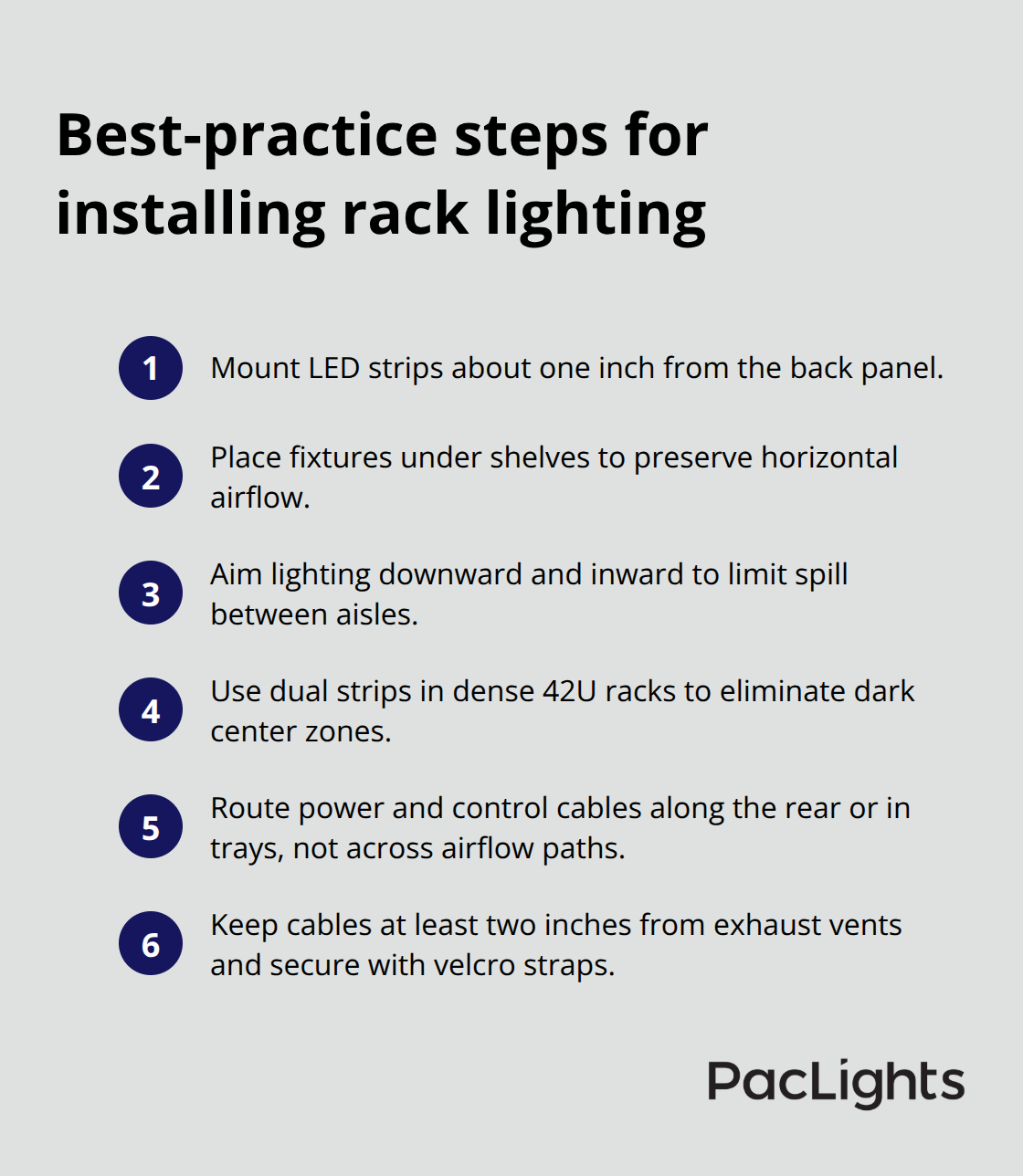
Fixture placement determines whether your lighting system supports or sabotages your cooling strategy. Mount LED strip lights approximately one inch from the back panel to minimize glare while maximizing illumination on cable runs and labels-this distance prevents light from bouncing off the panel surface and washing out visibility. For under-shelf installations, position fixtures on the underside of each shelf rather than above, allowing light to reach downward into the work area without blocking the horizontal airflow path that cold air follows through your racks. In hot aisle and cold aisle configurations, direct lighting asymmetrically downward and inward to minimize light spill between rows, reducing the heat reflectance that would otherwise increase cooling demands in adjacent cold aisles.
Dense 42U racks with narrow aisles require dual strips on opposite sides to eliminate dark center zones-this prevents technicians from repositioning themselves repeatedly during maintenance, which extends work time and exposes them to more heat exposure. Test your fixture layout with technicians performing actual maintenance tasks to identify shadows or glare before finalizing placement; this validation step catches configuration problems that theoretical planning misses.
Route Cables Away from Airflow Zones
Cable management directly affects both heat dissipation and airflow efficiency around your installed lighting. Route power and control cables along the rear of the cabinet or through existing cable trays rather than across the front or sides where they obstruct cold air movement from the floor plenum. Low-voltage 12V or 24V centralized driver systems eliminate the need for separate high-voltage power runs to individual fixtures, reducing overall cabling clutter and improving airflow patterns.
Keep cables at least two inches away from exhaust vents on equipment to prevent heat from rising along the wire insulation and degrading performance. Secure cables with velcro straps rather than zip ties, which can pinch wires and trap heat in confined spaces.
Coordinate Lighting Controls with Cooling Systems
Integrate lighting controls with your existing cooling infrastructure to maximize efficiency gains. Connect motion sensors to the same building management system that monitors your HVAC equipment-this coordination allows your cooling system to anticipate maintenance activity and adjust fan speed accordingly rather than reacting after technicians have already warmed the cabinet. Pilot installations in three to five critical racks provide concrete data on how your specific aisle spacing and airflow patterns respond to the lighting configuration before rolling out across your entire facility. Measure actual temperature differences between optimized and non-optimized racks using infrared thermometers at the rack face and exhaust vent to quantify cooling improvements before committing to full deployment.
Final Thoughts
Strategic rack illumination strategies deliver measurable returns that extend far beyond improved visibility. A 50-rack data center reduces annual lighting costs from $5,000 to $1,250 while cutting cooling expenses by roughly $8,250 through optimized airflow and reduced heat output, totaling $12,000 in first-year savings with payback typically occurring within 12–18 months. LED fixtures last 25,000–50,000 hours compared with traditional alternatives, dramatically reducing maintenance frequency and labor costs while technicians complete maintenance tasks 30–40% faster when they have clear visibility of cable runs and port numbers.
Motion-activated controls cut energy consumption by up to 75% compared with always-on systems, and 4000K color temperature reduces eye strain and misreadings of color-coded cables. Your next step is straightforward: start with a pilot installation in three to five critical racks to validate performance against your specific aisle spacing and airflow patterns. Measure actual temperature differences using infrared thermometers at the rack face and exhaust vent to quantify cooling improvements before committing to full deployment.
We at PacLights offer customizable lighting solutions with optional motion controls and advanced networked controls to optimize energy use across your data center. Our team provides free lighting layout designs and ROI assessments to help you quantify savings and plan upgrades with confidence. Contact us to schedule your facility assessment and transform how your data center operates.
Disclaimer: PacLights is not responsible for any actions taken based on the suggestions and information provided in this article, and readers should consult local building and electrical codes for proper guidance.