

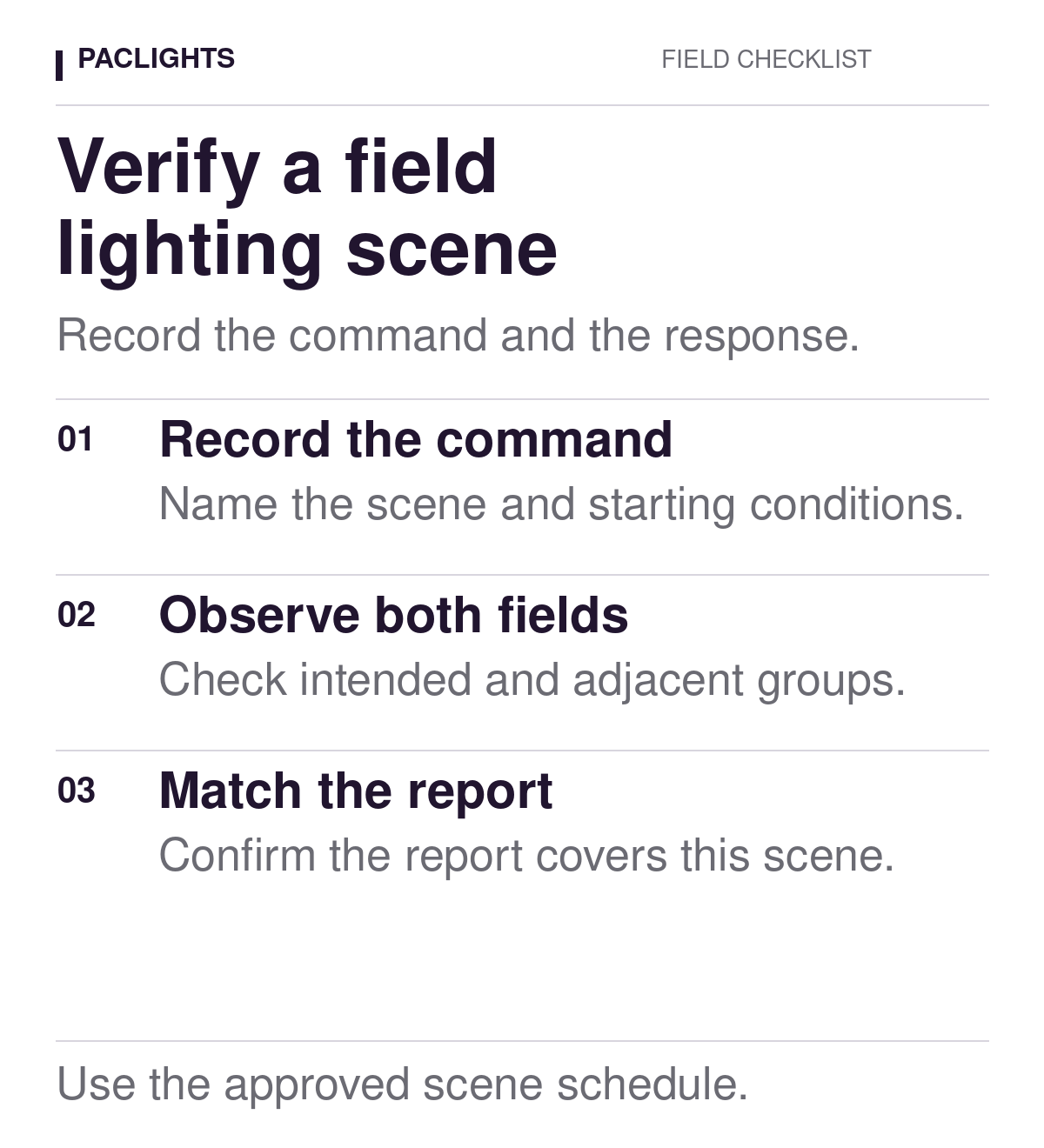
Before accepting a sports field lighting scene, ask the operator to run it from the control they will use on a normal booking. Match the fixtures that respond against the approved scene schedule, and check the groups that should stay as they were. If Field A comes on but a row of fixtures on Field B also changes, the scene has not behaved as scheduled. You need that observation whether Field B was dark or already hosting a session.
Run this check with the controls contractor and facility operator under agreed test conditions. The record should answer three questions: what the operator commanded, which fixture groups responded, and which lighting report applies to the observed state. Those answers let the facility follow up on a specific discrepancy instead of asking the contractor to investigate why one field “looks wrong.”
Define the scene by the area it serves
A scene label is shorthand. A button called Practice can refer to one field, several playing areas, or a site-wide preset. The acceptance record should identify the field, the controls from which the scene can be called, and the intended action for each affected group. Use the names operators will see and cross-reference the identifiers the commissioning team uses. If the same label appears on two screens, identify the screen or station in each test row.
Include groups that must retain their current state. On a two-field site, an operator may need to start one reservation while a game continues next door. A scene that works when the neighbor is idle can still interrupt active use if it includes an unintended group. Confirm which shared areas, such as a connecting path, have their own operating requirements. Have the design team identify those areas and how they are controlled before writing acceptance expectations.
Write one row per command and starting condition. Record the scene name, its intended field, the command location and the approved schedule revision. Next to the expected change, write what should stay unchanged. If the approved schedule does not say how an adjacent field or shared group should respond, record the decision as open. A commissioning observation should not silently establish a new operating rule.
Connect the scene schedule to field records
Take the group list out to the facility with the fixture schedule and pole plan. On the plan, mark where each group can be observed, then compare the identifiers on the control schedule with the fixture identifiers and positions used by the installation team. A pole can carry fixtures serving different areas. If a row in the control schedule says only “east pole,” the team may need the fixture marks before it can tell which part of the field the command is intended to affect.
The sports lighting aiming schedule guide explains how to pair fixture marks with positions and optical assignments. Use that correspondence to identify equipment during acceptance. Keep the aiming settings and aiming approval on their own records. A group response test may reveal that a different fixture came on than expected, but it cannot establish that the fixtures that did respond are aimed correctly.
The PacLights FFHL series product page describes control options and the fixture’s control receptacle. Where that family is specified, confirm the exact ordered control option and how it is represented in the project schedule. The family listing alone does not establish the installed system’s scene capability, group assignment, or ability to report individual fixture response. Resolve unclear equipment or interface details with the project team before relying on them in a test.
Observe both fields from known starting conditions
Begin with a condition the team can describe and reproduce. Note the scheduled activity on each field, the scene already in use, and any overrides or schedules that may affect the test. Arrange observers where they can see the intended fixtures and the adjoining groups without entering a restricted area. If one person cannot see both areas, use two observers and identify which field and group each one checked.
For an illustrative two-field test, start with both playing areas idle. Call the approved Field A scene. Record which Field A groups change and whether Field B stays in its documented idle condition. Next, start with Field B in its booked scene and repeat the Field A command under agreed test conditions. Check for a change to Field B separately from the response on Field A. The second test answers a question that the first cannot: whether starting one reservation disturbs another already in progress.
Observe the approved end-of-use transition separately if it is in scope. A start command can be assigned correctly even when a release or schedule event affects a different set of groups. Record which action ended the scene and what each field did afterward. Where the design calls for a delayed transition, use the specified observation window. Do not assume a delay based on another venue or on an earlier version of the programming.
If a device screen reports that a command was accepted, keep that as evidence of the operator action. Record the visible fixture response independently. A screen that shows a preset name does not establish which fixtures responded. If an observer cannot identify an individual fixture, record the visible group or pole and mark the finer identification as unresolved. That is more useful than assigning an unconfirmed fixture ID.
Keep control acceptance separate from lighting performance
Ask which approved calculation or acceptance report corresponds to the scene you tested. Match the operating case, active fixture groups and documented output states. Two scenes can cover the same playing area while using different groups. A report for full use therefore may describe a different condition from a scene used for part of the facility. Document the difference before drawing conclusions from the report.
A control check shows whether the observed groups followed the approved sequence under the recorded conditions. Lighting performance is evaluated separately using the applicable project criteria and method. The guide to vertical planes in sports lighting reports explains why the location and direction of a receiving plane matter when the project calls for that result. Refer the scene record and the relevant report to the lighting designer so the comparison stays tied to the same operating case.
If users report glare during an acceptance run, document that observation with the scene and viewpoint. Follow the sports lighting glare observation guide to record what the observer was looking at and which source appeared in their view. Keep the observation linked to the test without treating the control response as a glare measurement.
Close exceptions against the same test condition
Describe a mismatch in terms the next technician can reproduce: the starting scenes on both fields, the command location, the group expected to stay unchanged and what the observer saw. Include the schedule revision and any known limits of the observation. If the project team changes a group assignment, repeat the original test and the adjacent-field condition before closing the exception. Preserve the earlier record so the accepted change can be traced.
For your next project review, ask for the scene schedule, fixture group map and matching lighting reports together. Start with the command most likely to affect a neighboring booking. Walk through the expected responses with the operator and commissioning team before the field visit so everyone knows which result to record and which questions still need a design decision.
Disclaimer: PacLights is not responsible for any actions taken based on the suggestions and information provided in this article, and readers should consult local building and electrical codes for proper guidance.