

Data center downtime costs organizations an average of $5,600 per minute, according to Statista. When power fails, emergency lighting becomes the difference between a controlled evacuation and chaos.
At PacLights, we’ve seen firsthand how poorly designed emergency lighting systems compromise safety and compliance. This guide walks you through the standards, layouts, and maintenance protocols that keep your facility secure when it matters most.
Understanding Emergency Lighting Standards and Requirements for Data Centers
Compliance Standards That Govern Your System
Emergency lighting in data centers must comply with NFPA 101 Life Safety Code, NFPA 70 National Electrical Code, UL 924 safety standard, the International Building Code, and TIA-942-C data center design standard. Non-compliance carries real consequences: OSHA fines average around $15,000 per violation, and retrofitting a facility after a failed inspection costs significantly more than designing correctly upfront. The standards require your emergency lighting to activate within 10 seconds of power loss, operate for at least 90 minutes, and deliver an average of 1 foot-candle of illumination along all egress paths with no point falling below 0.1 foot-candles. After 90 minutes, illumination can drop to 0.6 foot-candles average and 0.06 foot-candles minimum. The maximum-to-minimum ratio cannot exceed 40:1 to prevent dangerous shadows that disorient evacuees.
Coverage Areas You Cannot Overlook
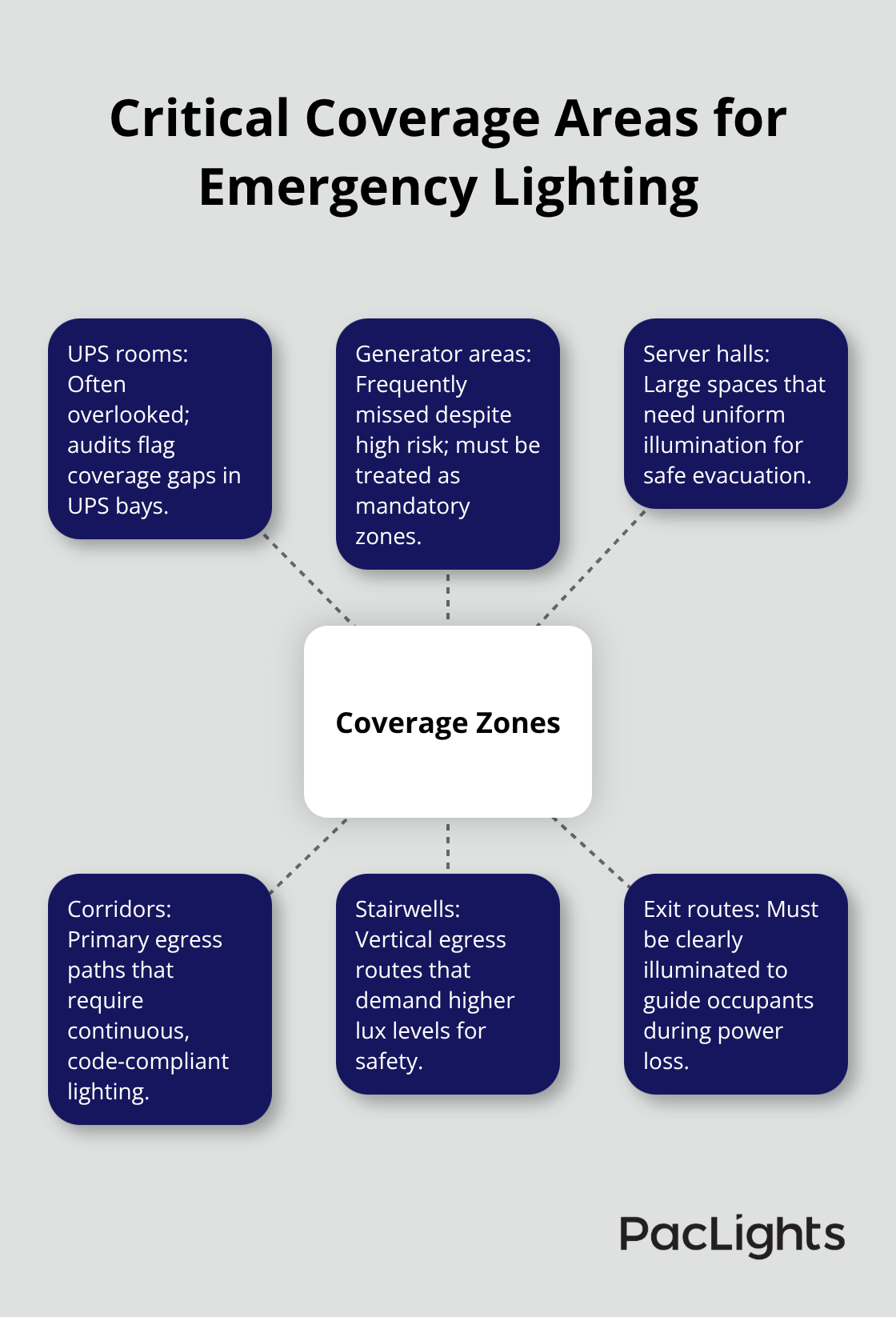
UPS rooms, generator areas, server halls, corridors, stairwells, and exit routes all require coverage. Many facilities overlook UPS bays and generator areas entirely, which audits consistently flag as gaps. One real-world audit revealed 11 UPS bays delivering only 0.04 foot-candles due to aging equipment and missing battery backup, exposing the organization to both safety and compliance risk.
Illumination Levels by Location
Hallways need 10.8 lux minimum, stairwells require 11 lux or higher, server aisles need 8–10 lux (higher if cameras monitor operations), and UPS rooms demand 10 lux or more. Your photometric design should use IES data and modeling tools to verify coverage before installation; guessing about fixture placement leads to dark spots and failed inspections. Exit signs must deliver 54 lux on their faces and integrate with your emergency lighting layout so they illuminate simultaneously when main power fails.
Testing and Documentation Requirements
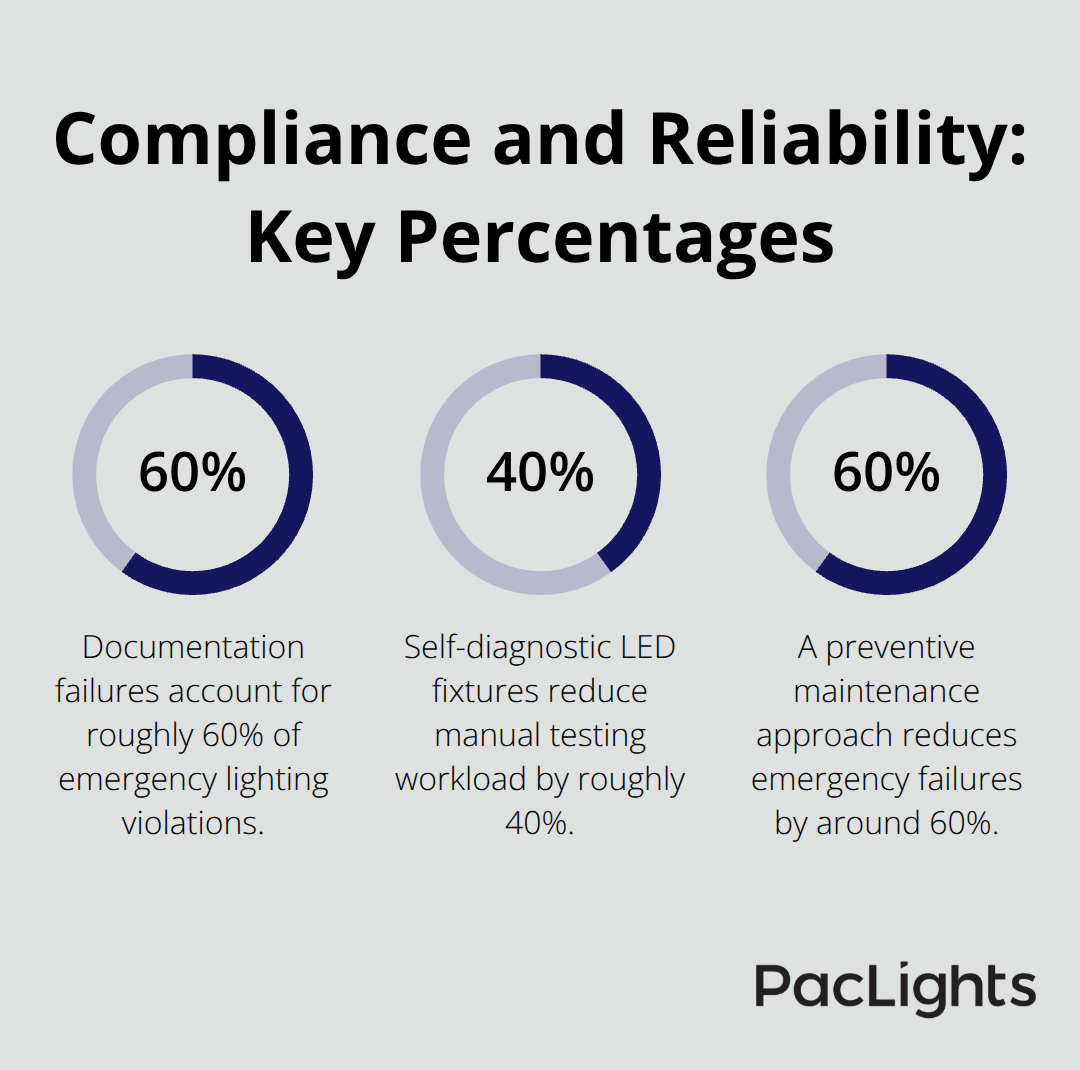
Documentation failures account for roughly 60% of emergency lighting violations, making record-keeping as critical as the fixtures themselves. Monthly 30-second functional tests and annual 90-minute full-discharge tests are mandatory, and you must retain logs for at least three years. After installation, perform quarterly lux verifications and weekly walk-throughs to catch flickering, dust accumulation, or dimming that signals battery degradation.
With compliance standards and illumination targets established, the next step involves translating these requirements into a practical layout that fits your specific data center environment.
Building Your Emergency Lighting Layout
Map Your Data Center and Identify Dark Zones
Start by mapping your data center floor plan to scale and marking every egress route, exit door, stairwell, UPS room, generator area, and server aisle. Walk the facility during low-light conditions to identify naturally dark zones where shadows form even under normal lighting. These problem areas demand fixture placement that eliminates dark spots; a 40:1 maximum illumination ratio means you cannot have one area at 40 foot-candles while another sits at 1 foot-candle.
Verify Coverage with Photometric Modeling
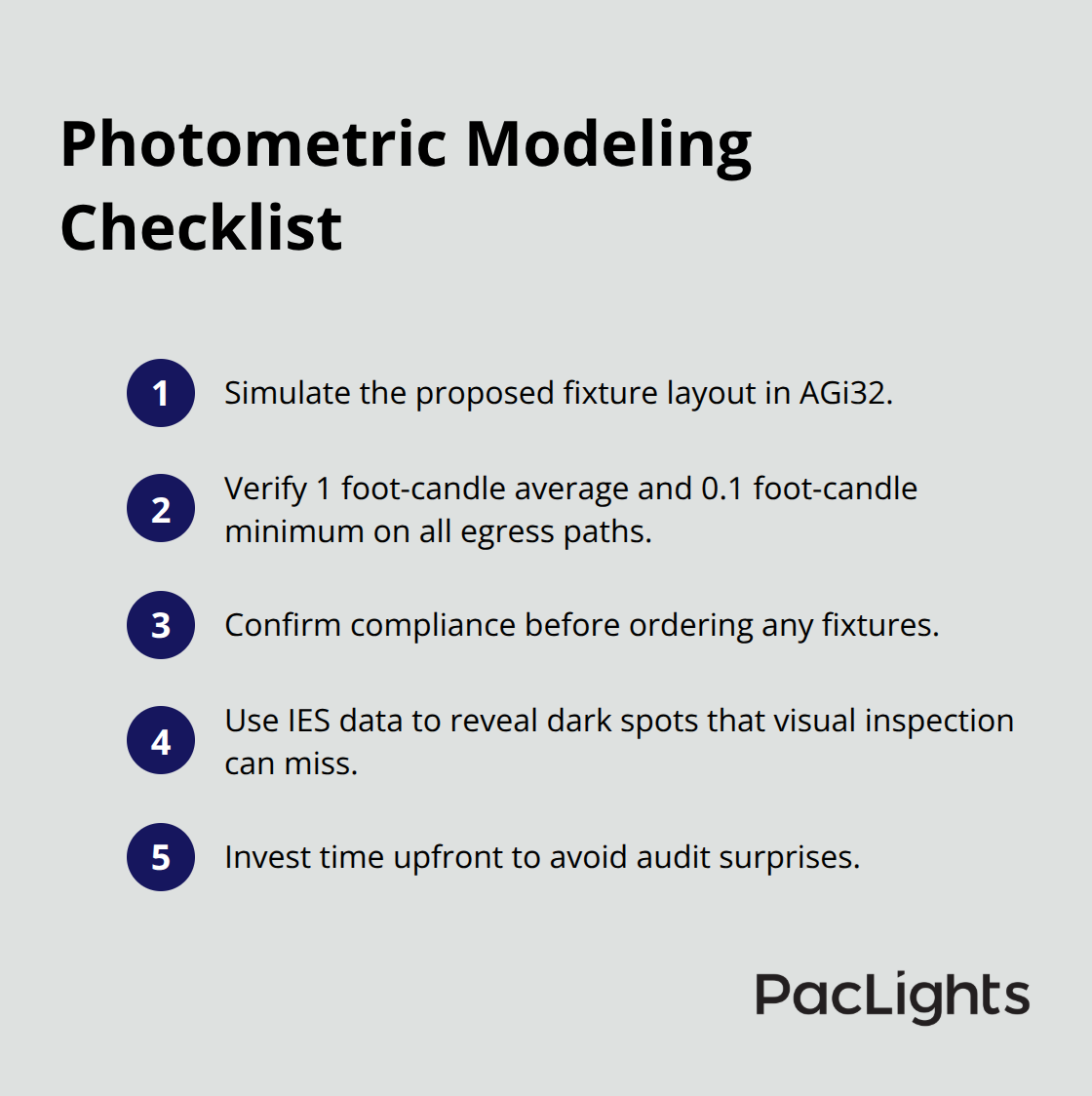
Use photometric modeling software like AGi32 to simulate your proposed fixture layout and verify that every egress path meets the 1 foot-candle average and 0.1 foot-candle minimum before you order a single fixture. This step costs nothing compared to discovering coverage gaps during an audit. IES data and modeling tools reveal dark spots that visual inspection misses, so invest the time upfront to get the design right.
Position Fixtures Based on Space Dimensions
In corridors narrower than 8 feet, mount wall-pack fixtures at 80 to 84 inches high to avoid shadows at floor level where evacuees need visibility most. In server aisles wider than 12 feet, ceiling-mounted fixtures spaced roughly 10 feet apart provide more uniform coverage and reduce the risk of dark patches between fixtures. UPS rooms and generator areas consistently fail inspections because they sit outside the main egress paths and are easy to forget; treat them as mandatory coverage zones and verify lux levels with a light meter after installation.
Select Battery Backup Technology and Power Transfer
Central inverter systems consolidate all batteries in a single location, making maintenance simpler and allowing you to replace aging batteries every 10 years without touching individual fixtures scattered across the facility. Self-contained fixtures with integral batteries eliminate single points of failure but require testing and battery replacement at each unit, which becomes labor-intensive in large data centers. Nickel-metal hydride batteries outlast sealed lead-acid in data center environments by roughly double, lasting 7 to 10 years versus 3 to 5 years, making them worth the upfront cost difference. Newer lithium iron phosphate technology extends this further and performs better in cold spaces, though availability and pricing still favor NiMH in most deployments.
Your transfer switch must activate emergency lighting within 10 seconds of main power loss without requiring manual intervention or IT system shutdown; a UPS protecting your servers does not satisfy code requirements because the emergency lighting circuit must operate independently. Mount the transfer switch and central battery equipment on a concrete pad away from cable trays and water sources, and ensure the wiring path from batteries to fixtures avoids running alongside normal power circuits to prevent interference. Coordinate with your facility’s fire alarm system so that emergency lighting reaches full brightness automatically during a fire alarm event, eliminating any delay that could trap occupants in darkness during evacuation.
With your layout finalized and power systems selected, the next step focuses on keeping your emergency lighting system operational through regular testing and maintenance protocols that prevent failures before they occur.
Maintenance and Testing Protocols
Monthly and Annual Testing Requirements
Testing and maintenance separate facilities that stay compliant from those that face fines and safety risks. Documentation failures account for roughly 60% of emergency lighting violations according to UL 924 standards, which means your testing schedule matters far less than your ability to prove you performed it. Start with monthly 30-second functional tests that verify each fixture illuminates when you activate the test switch. These tests take minutes per zone and catch obvious failures like burned-out LEDs or dead batteries before they become problems. Annual 90-minute full-discharge tests demand more commitment because you must run each fixture on battery power for the entire duration and log the results, but this step reveals whether batteries retain capacity or whether degradation has begun.
Battery Replacement and Lifecycle Management
Nickel-metal hydride batteries typically last 7 to 10 years in data center environments, so mark your calendar for replacements around year 7 to avoid surprises during an inspection. Self-diagnostic LED fixtures with automatic weekly and monthly checks reduce your manual testing workload by roughly 40% compared to central inverter systems because the fixtures log results internally and alert you when batteries approach end-of-life, typically 60 days before failure occurs. Quarterly lux verifications using a light meter confirm that your fixtures still deliver the required 1 foot-candle average and 0.1 foot-candle minimum along egress paths; dust accumulation and LED degradation reduce output over time, and catching this drift early prevents failed audits.
Documentation and Record Keeping
Maintain written records of every test, battery replacement, and maintenance activity for a minimum of three years because auditors expect documentation that matches your testing schedule. Store these logs in a centralized location accessible to your facility manager and electrical safety officer, and tie test results to your power system’s status so inspectors can verify that emergency lighting activates independently of IT shutdowns or generator startups. UPS rooms and generator areas consistently fail inspections because facilities either forget to test them or assume that proximity to backup power systems satisfies code requirements, which is incorrect; these zones demand the same testing rigor as main corridors and server aisles.
Preventive Maintenance and Issue Detection
Walk through your facility weekly to spot flickering, dust on fixtures, or dimming that signals battery degradation, then address issues immediately rather than waiting for quarterly verifications to reveal problems. Mount test switches within 6 feet of fixture locations in UPS rooms and generator areas so maintenance personnel can activate tests without climbing ladders or disrupting operations. A preventive maintenance approach reduces emergency failures by around 60% and helps you avoid OSHA fines that average $15,000 per violation, making the time investment in testing and documentation far cheaper than the cost of non-compliance.
Final Thoughts
Emergency lighting design for data centers demands precision, compliance, and ongoing commitment to protect both your people and your facility. The standards are clear: activate within 10 seconds, operate for 90 minutes, deliver 1 foot-candle average illumination with no dark zones, and document everything. Skipping any of these steps exposes your facility to OSHA fines averaging $15,000 per violation, failed audits, and most critically, safety risks during power outages when your team needs visibility to evacuate safely.
Proper emergency lighting investment pays dividends beyond compliance. Facilities with well-designed systems experience fewer disruptions during maintenance, faster issue detection through preventive testing, and confidence that their infrastructure meets real-world demands. Self-diagnostic LED fixtures reduce your testing workload by roughly 40% compared to older systems, and nickel-metal hydride batteries lasting 7 to 10 years lower lifecycle costs significantly (when you design correctly upfront, retrofitting costs disappear entirely).
Start by mapping your data center layout and identifying every egress route, UPS room, generator area, and server aisle that requires coverage. Use photometric modeling to verify that your proposed fixtures deliver the required illumination levels before installation, then select battery backup technology that matches your facility size and maintenance capacity. We at PacLights offer free lighting layout designs and ROI assessments to help you evaluate your options and make informed decisions about your emergency lighting system-contact us to discuss your data center’s specific requirements.
Disclaimer: PacLights is not responsible for any actions taken based on the suggestions and information provided in this article, and readers should consult local building and electrical codes for proper guidance.