

Datacenter cooling accounts for 30-40% of total energy consumption in most facilities, and lighting plays a bigger role than most operators realize. At PacLights, we’ve seen how poor aisle lighting layout directly undermines your containment strategy and wastes thousands in energy costs annually.
The right datacenter aisle lighting design works with your hot and cold aisle setup, not against it. This guide covers exactly how to position fixtures, choose the right technology, and recover real savings through strategic illumination.
How Hot and Cold Aisles Cut Energy Waste
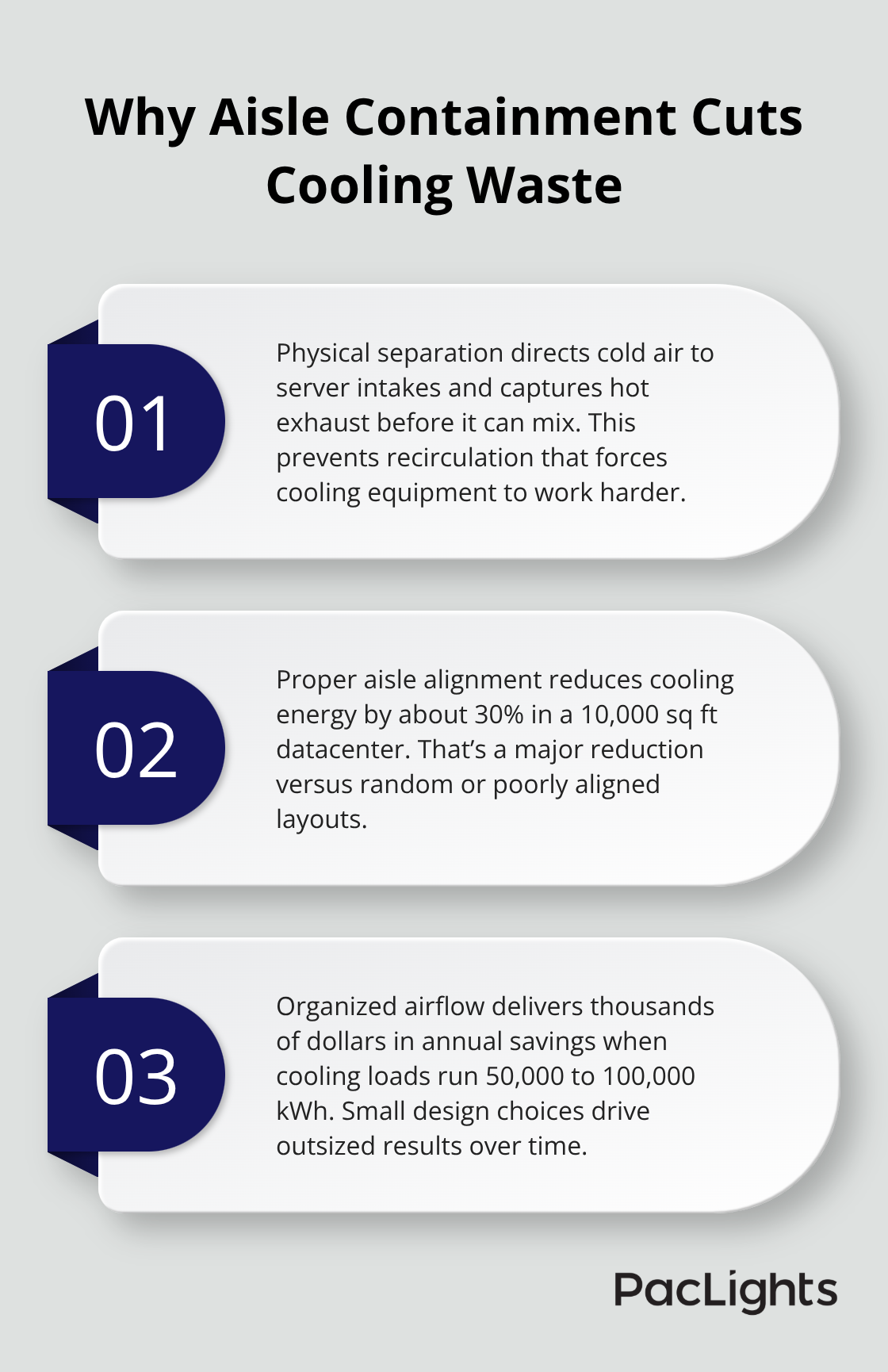
Hot and cold aisle containment works by physically separating the air streams in your datacenter, forcing cooled air directly to server intakes and capturing heated exhaust before it recirculates. When cold air from your CRAC or CRAH units flows up through perforated floor tiles beneath server racks, it enters the cold aisle where servers pull it through their intake fans. The heated air exits the back of the equipment into the hot aisle, where cooling units pull it back for refrigeration. Without this separation, hot and cold air mix freely, forcing your cooling system to work harder than necessary. According to Energy.gov, proper aisle alignment reduces cooling energy by roughly 30% in a 10,000 sq ft datacenter compared with random or poorly aligned layouts. This isn’t minor savings-a facility running 50,000 to 100,000 kWh annually for cooling recovers thousands of dollars through correct airflow organization alone.
Fixture Placement Determines Cooling Success
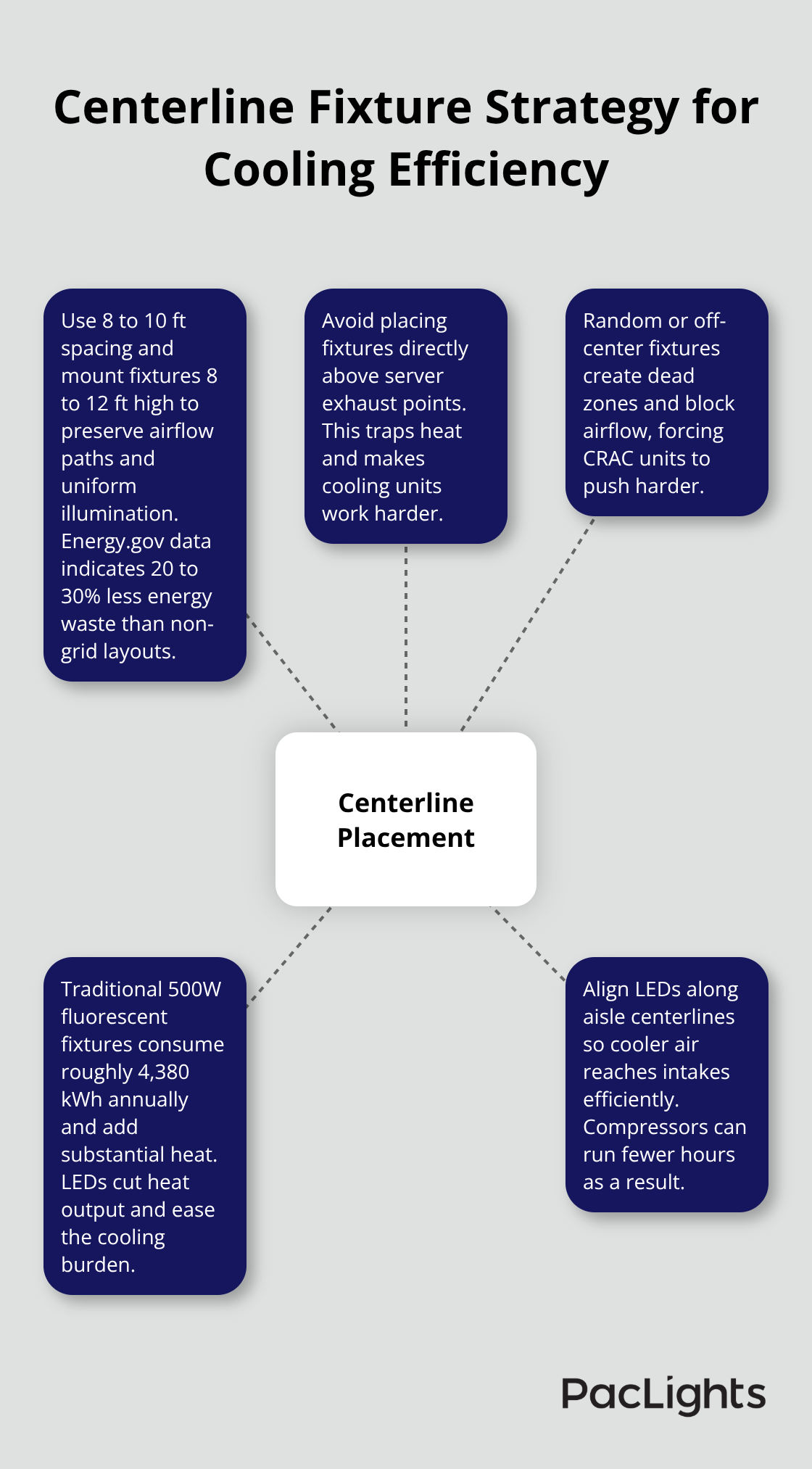
Your lighting fixtures directly impact whether your containment strategy actually works. Centerline placement directly above the midpoint between hot and cold aisles, with 8 to 10 ft spacing and 8 to 12 ft mounting height, reduces energy waste by 20 to 30% versus non-grid layouts, per Energy.gov data. When fixtures hang randomly or off-center, they block airflow paths, create dead zones where air stagnates, and force your CRAC units to compensate with harder pushes. Additionally, traditional lighting produces significant heat-a single 500W fluorescent fixture consumes roughly 4,380 kWh annually in energy use, much of which becomes thermal load your cooling system must handle. Switching to LED and positioning fixtures along aisle centerlines means cooler air reaches servers more efficiently, and your compressors run fewer hours.
This dual benefit (better airflow plus lower heat generation) compounds your savings substantially.
Grid-Aligned Design Reduces Fixture Count
Modern datacenters use grid-aligned lighting layouts that position fixtures directly above aisle centerlines rather than covering the entire ceiling like a warehouse. This approach reduces fixture counts by 20 to 30% compared with blanket overhead coverage while maintaining necessary thermal separation between hot and cold aisles. Start with a scale rack layout map, mark your aisle centerlines, and plot fixture positions before installation to avoid locking in inefficiency for 15 to 20 years. Poor planning that forces retrofits later costs $15,000 to $30,000 when expanding from 50 to 100 racks. Plan for growth through mapping your rack layout 3 to 5 years ahead and design fixtures to accommodate roughly 50% growth. This forward-thinking approach keeps your containment strategy intact as your facility scales, ensuring cooling remains efficient and lighting continues to support rather than undermine your thermal management. With proper fixture alignment in place, the next step focuses on how you position these lights to avoid thermal interference and maintain uniform illumination across maintenance areas.
Where Your Fixtures Go Determines Cooling Success
Thermal Positioning Prevents Heat Traps
Thermal positioning is non-negotiable when your cooling strategy depends on clean airflow separation. Place fixtures away from directly above hot equipment and align them with aisle centerlines. A fixture mounted directly above a server’s exhaust point traps heat and forces your cooling unit to work harder. Conversely, centerline positioning allows hot air to rise naturally toward return paths while cold air flows unobstructed to server intakes. Use thermal imaging to detect hotspots and adjust if temperatures exceed about 5°F above baseline. Energy.gov data shows that centerline placement at 8 to 12 feet mounting height with 8 to 10 foot spacing reduces energy waste by 20 to 30% compared with random layouts.
Clearance and Airflow Obstruction
Maintain at least seven feet of vertical clearance below fixtures to prevent head strikes and ensure unobstructed access to cable trays. This clearance also prevents fixtures from creating dead zones where air cannot move freely. When you mount fixtures too low or too close to cable infrastructure, you obstruct the very airflow paths your containment design relies on. Test fixture height and spacing with actual technicians performing maintenance tasks to confirm clearance and identify dead zones before final installation.
Brightness Levels and Color Temperature
Your lumen output must match actual work tasks. Try targeting around 500 lux for server-room maintenance and avoid exceeding baseline illumination by more than 50 to 100% to prevent glare and energy waste. Use 4000K to 5000K color temperature to improve focus and reduce errors during cable terminations, boosting technician productivity. Flicker-free LED drivers prevent eye fatigue and interference with surveillance cameras in data centers.
Redundancy and Emergency Compliance
Build redundancy with at least two independent circuits so a single circuit failure doesn’t plunge the datacenter into darkness. Ensure compliance with NFPA 101 for emergency lighting standards. These specifications work together: proper thermal positioning plus correct brightness levels plus backup power means your lighting supports cooling efficiency without compromising safety or visibility during maintenance or emergencies. With your fixtures positioned correctly and your electrical systems hardened against failure, the next critical step involves selecting the right LED technology and control systems to maximize the energy savings your layout design makes possible.
How LED and Controls Cut Your Cooling Load
The Heat Cost of Fluorescent Lighting
Switching from fluorescent to LED lighting shrinks both your energy bill and your cooling burden. A single 500W fluorescent fixture consumes roughly 4,380 kWh annually, according to Energy.gov, while an equivalent LED fixture uses only about 440 kWh per year. That 4,000 kWh difference translates to approximately $527 in annual savings at typical rates of $0.12 per kilowatt-hour. Traditional fixtures dump significant heat directly into your datacenter, forcing your cooling system to remove that thermal load on top of server exhaust. LEDs produce far less heat, which lowers cooling energy requirements by about 2 to 3 percent of your total datacenter budget. In a 10,000 sq ft facility, that reduction alone saves $1,500 to $2,500 annually.
Three-Level Occupancy Controls Halve Energy Waste
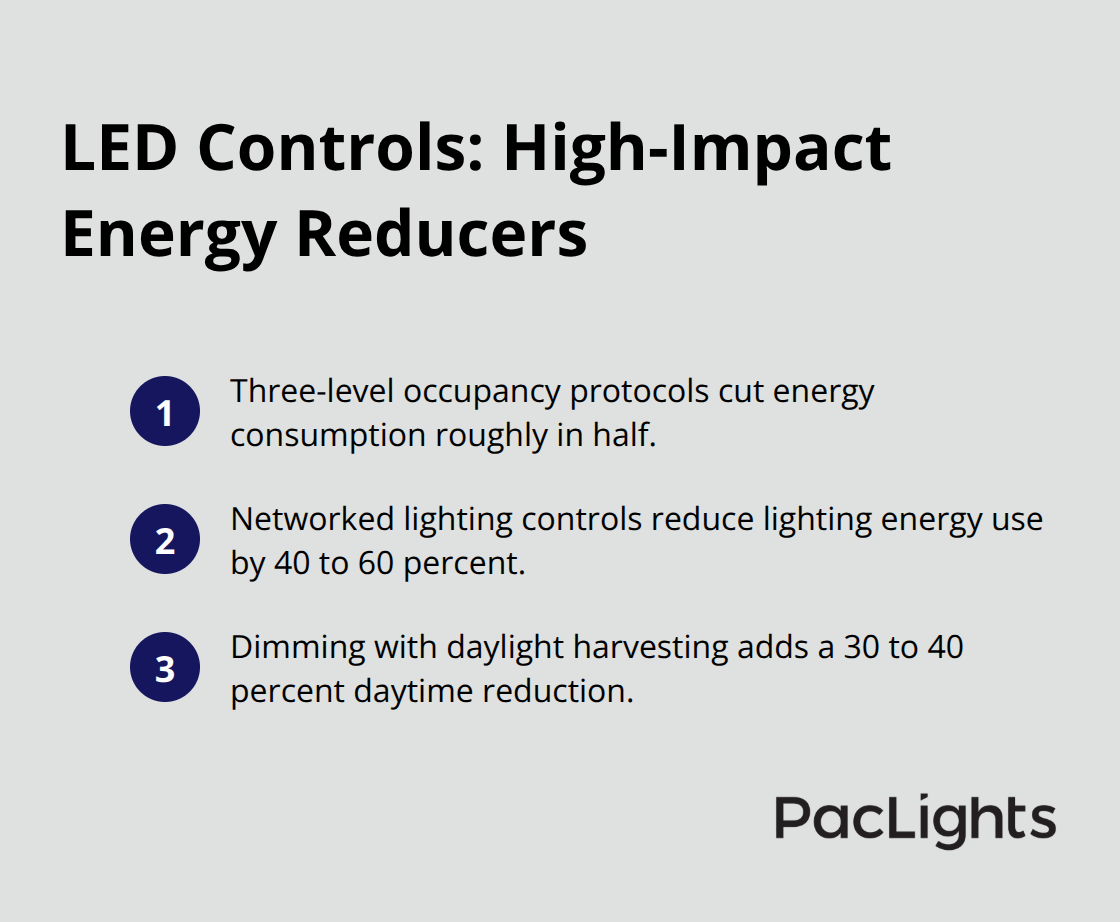
The payoff compounds when you pair LED fixtures with intelligent controls. Three-level occupancy protocols cut energy consumption roughly in half. Minimal lighting runs in vacant areas, moderate lighting activates when staff enter, and full brightness appears only during active maintenance. According to Energy.gov, networked lighting controls reduce overall lighting energy use by 40 to 60 percent across mid-sized facilities. Dimming combined with daylight harvesting delivers an additional 30 to 40 percent reduction in daytime energy use compared to non-dimming retrofits, since your fixtures automatically adjust brightness as natural light availability changes.
Real ROI and Payback Timelines
A datacenter running 50,000 to 100,000 kWh annually for lighting currently spends $6,000 to $12,000 per year on illumination alone. Upgrading to LED with three-level occupancy controls cuts that to roughly $2,400 to $4,800 annually, recovering $3,600 to $7,200 in year-one savings. Factoring in fixture and control hardware costs, most datacenters see payback within 18 to 24 months. After that threshold, every additional year delivers pure savings for the next 10 to 15 years given LED lifespans exceeding 50,000 hours. The cooling energy reduction amplifies this benefit further. Since cooling typically represents 30 to 40 percent of total datacenter energy consumption, even a 2 to 3 percent cut translates to substantial facility-wide efficiency gains.
Retrofit Strategy and Installation
PacLights offers LED retrofit solutions with optional motion controls and networked lighting controls that plug into existing sockets without requiring ceiling modifications, typically completing installation in 2 to 3 weeks. Plan your retrofit by auditing current aisle lighting, setting specific lux targets by area around 500 lux for maintenance zones, and aligning new fixtures with aisle centerlines before installation. This forward approach locks in both energy savings and thermal efficiency rather than retrofitting haphazardly and discovering years later that poor placement undermines your cooling strategy.
Final Thoughts
Datacenter aisle lighting layout directly shapes your cooling efficiency and operating costs. The three core principles-centerline fixture positioning, LED technology adoption, and intelligent occupancy controls-work together to cut energy consumption by 40 to 60 percent while maintaining the thermal separation your containment strategy requires. A facility spending $6,000 to $12,000 annually on lighting recovers half that investment within 18 to 24 months through proper layout and controls, then enjoys pure savings for the next decade as LED fixtures outlast traditional technology by decades.
Your datacenter’s cooling system represents 30 to 40 percent of total energy consumption, and every 2 to 3 percent reduction in cooling load translates to thousands in annual facility-wide savings. When you eliminate heat from inefficient fixtures and position lighting to support rather than obstruct airflow, your CRAC units run fewer hours and your compressors operate at lower capacity. This compounds over 10 to 15 years as LED lifespans exceed 50,000 hours and maintenance costs drop alongside energy bills.
Map your rack layout 3 to 5 years ahead, align fixtures with aisle centerlines at proper spacing and height, and design for roughly 50 percent growth to avoid costly retrofits later. We at PacLights provide free lighting layout designs and ROI assessments to help you optimize your specific facility, with retrofit solutions that install in 2 to 3 weeks without ceiling modifications. Start by auditing your current aisle lighting, setting lux targets around 500 for maintenance zones, and upgrading to LED with networked controls to lock in both energy savings and thermal efficiency.
Disclaimer: PacLights is not responsible for any actions taken based on the suggestions and information provided in this article, and readers should consult local building and electrical codes for proper guidance.